
Default
Clicking returns each setting to the default values defined in Preferences. To open Preferences, select Windows > Preferences, or click the gear icon on the Menu Bar.
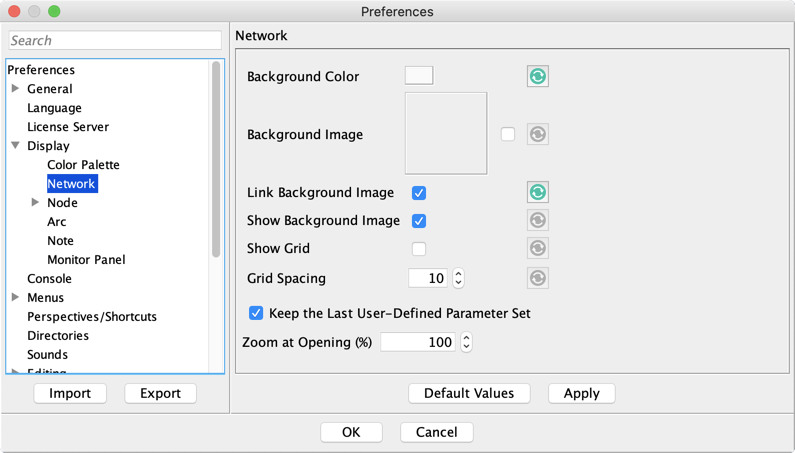
If the option Keep the Last User-Defined Parameter Set is checked, the Rendering Properties currently specified in the Rendering Properties Editor are used again as defaults for new networks. Resetting the values in Preferences restores BayesiaLab’s default values.