
Default
Choose Default to restore the values defined in Preferences. To open Preferences, choose Window > Preferences or click the gear icon on the Menu Bar.
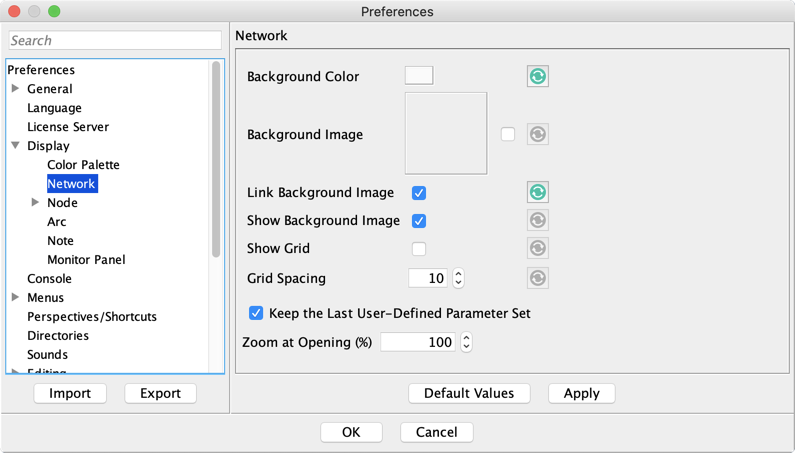
If the option Keep the Last User-Defined Parameter Set is checked, the Rendering Properties currently specified in the Rendering Properties Editor are used again as defaults for new networks. Resetting the values in Preferences restores BayesiaLab’s default values.