
Preferences
Context
The Preferences window is the primary interface for setting default options in BayesiaLab. Additionally, certain features can only be configured in the Preferences window.
Usage
Select Menus > Window > Preferences.
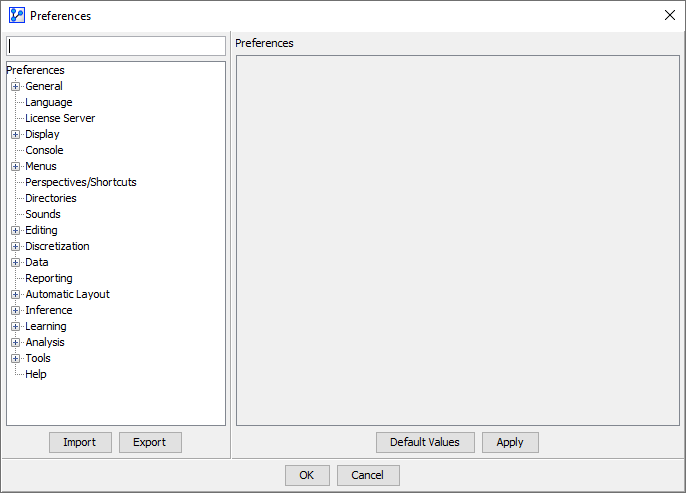
The Preferences window consists of two sides:
-
On the left, you have a search box and tree structure to access the settings.
- In the search box, you can enter any string contained in the function name you are looking for.
- As you type, BayesiaLab expands the tree automatically and highlights the matching elements. For instance, if you search for “node”, the tree will expand and appear as in this screenshot:
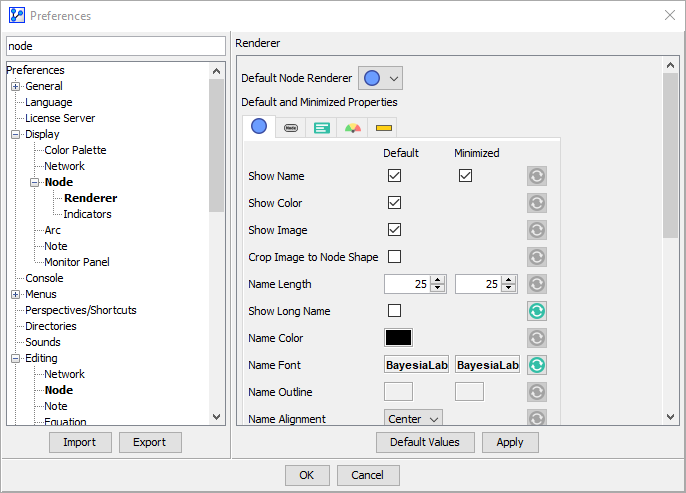
-
On the right, you can specify the settings that correspond to your selection in the tree on the left.
- Clicking the
Default Valuesbutton returns all settings in the current panel to the “factory defaults.” - Clicking the Default icon reverts only the corresponding item to the original setting.
- Clicking
Applyconfirms the settings you specified on the current panel.
- Clicking the