
State Renaming
Work in Progress
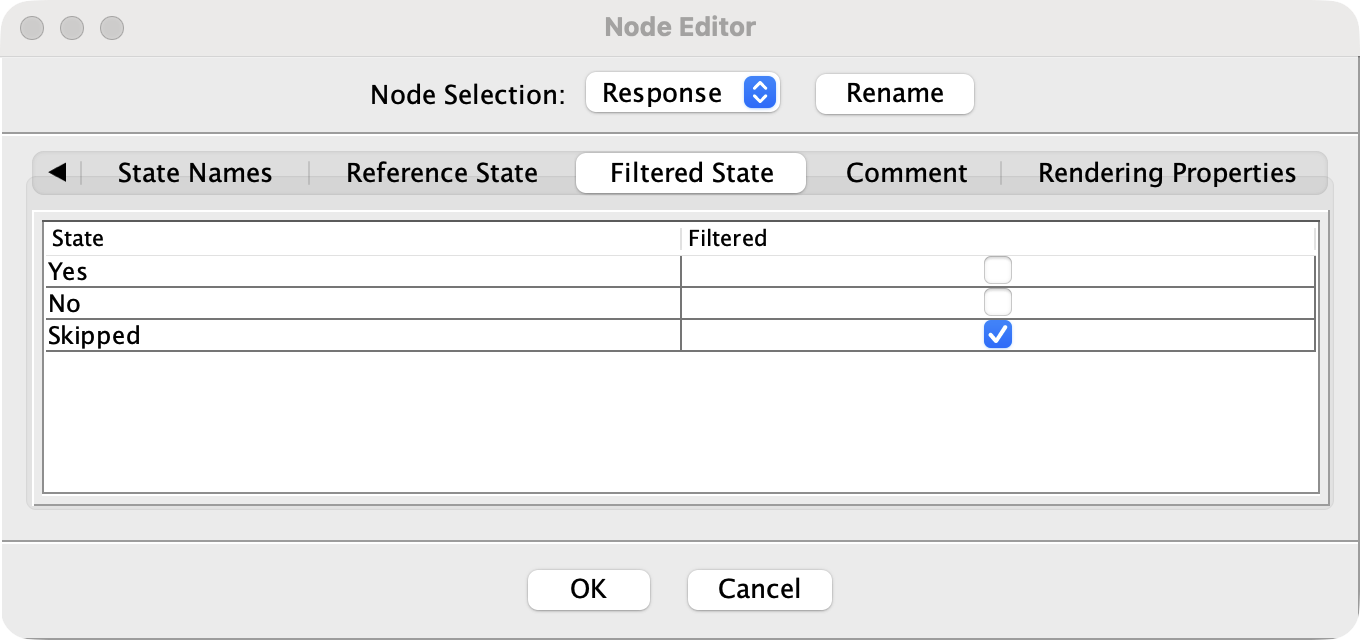
Use a State Renaming dictionary to change a state identifier. In the survey network, is the Filtered State of . This example renames it .
- Start with the entry from the States export. Keep the node name and original state on the left and enter the new state identifier on the right.
Response.Not\ applicable=Skipped- Save the text file and open it with Menus > Data > Associate Dictionary > State > State Renaming.
- Double-click and open the Filtered State tab. The checkmark is now beside . The other two states, and , are still unchecked.
You can also verify the new identifier by exporting States again. The entry for the renamed state reads Response.Skipped=.