
States
Work in Progress
Export the state identifiers to prepare a state renaming dictionary. BayesiaLab supplies the exact spelling of each node and state, including the backslash needed for a space in a state identifier.
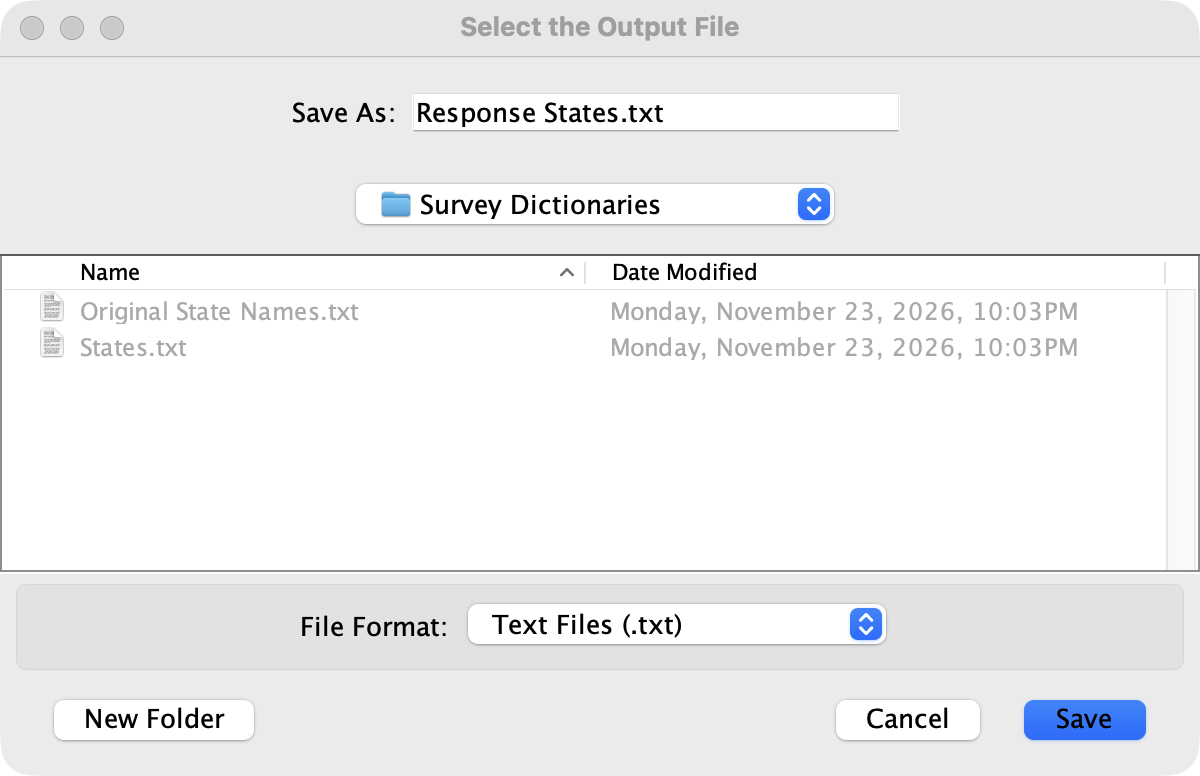
Choose Menus > Data > Export Dictionary > State > States. Enter a filename such as “Response States.txt” and click Save.
The survey network produces three entries for , each with an empty value after the equals sign.
Response.Yes=
Response.No=
Response.Not\ applicable=
To rename a state, copy its entry to a new text file and add the new identifier after the equals sign. To export the existing descriptive names, choose Export Dictionary > State > State Names.