
Rotate 90° Left
Context
Rotate 90° Left turns the entire graph a quarter turn to the left on the Graph Panel, repositioning all nodes and arcs together. This lets you reorient a layout without changing the structure of the network.
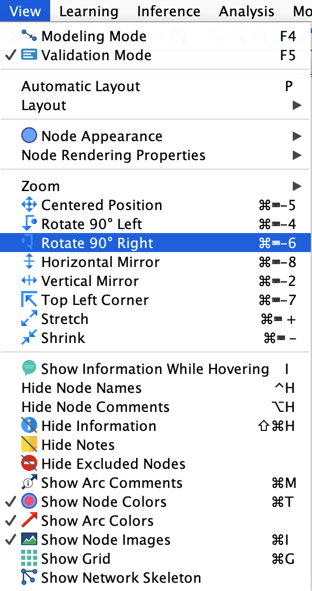
Usage
Select View > Rotate 90° Left from the Menus.