Node Rendering Properties
Context
Node Rendering Properties offers detailed control over a node’s appearance based on its Node Style.
Usage
You can access Node Rendering Properties in several ways:
Via the menus
-
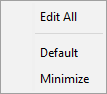
Navigate to Menus > View > Node Rendering Properties > ....
-
Options include:
-
Edit All: Opens a window with the full set of editing options for the selected nodes’ Node Style.
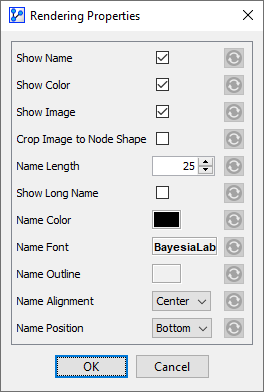
-
Default: Reverts settings to the default for the Node Style.
-
Minimize: Reduces node appearance to core elements for a compact presentation.
-
Via the Node Contextual Menu
-
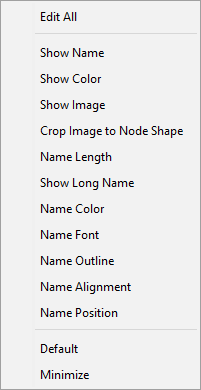
Navigate to Node Contextual Menu > Properties > Rendering Properties > ....
-
Options include:
-
Edit All: Opens the full editing options window for the selected nodes’ Node Style.
-
Default: Reverts settings to default.
-
Minimize: Reduces node appearance to core elements.
-
Via the Node Editor
-
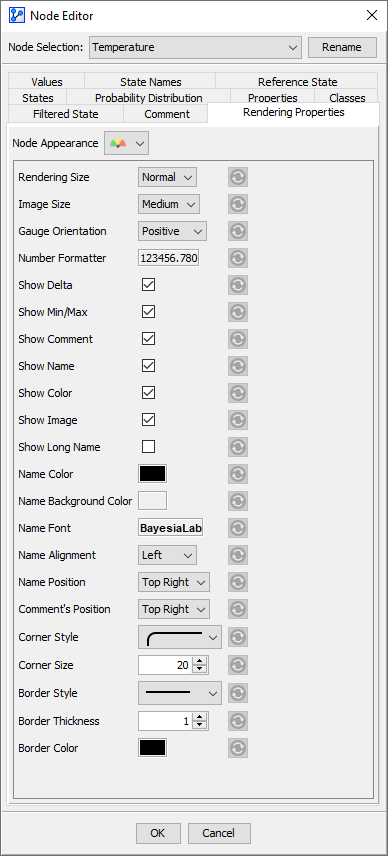
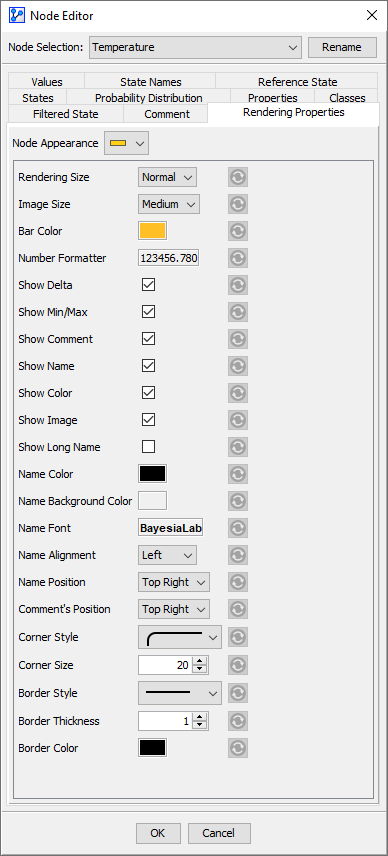
Open the Rendering Properties tab in the Node Editor.
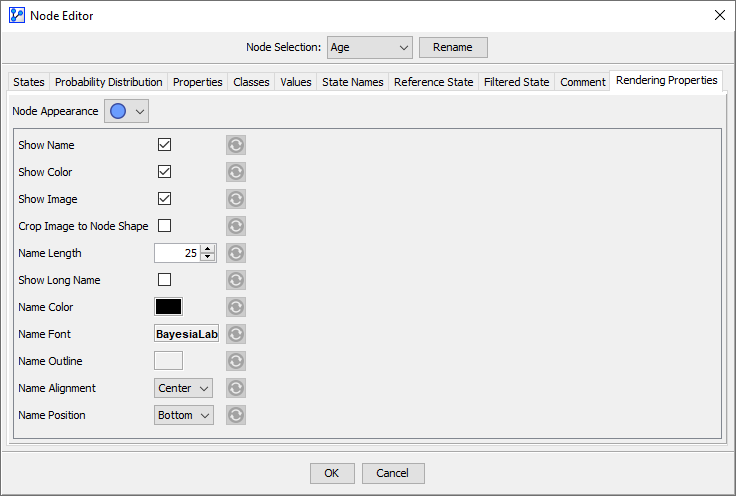
Node Rendering Properties by style
The available Node Rendering Properties depend on the selected Node Style.
| Disc Style | Badge Style | Monitor Style | Gauge Style | Bar Style |
|---|---|---|---|---|
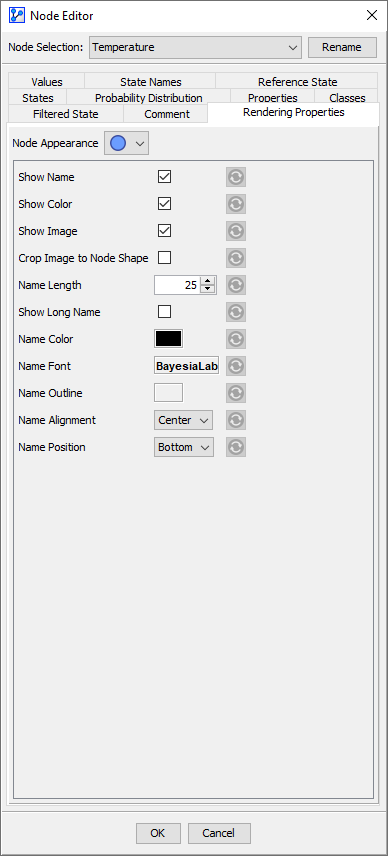 | 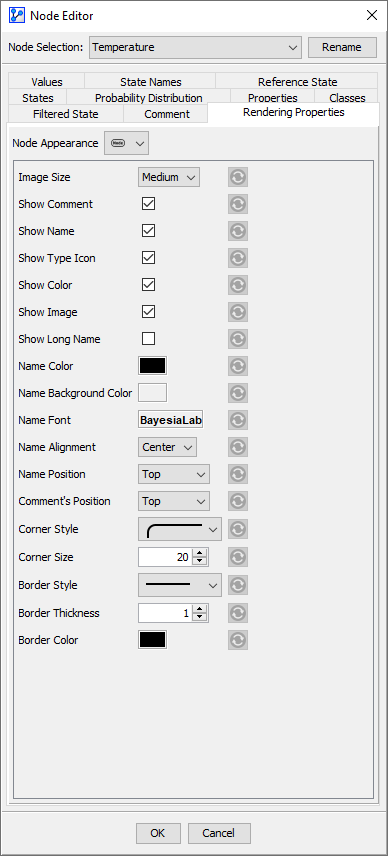 | 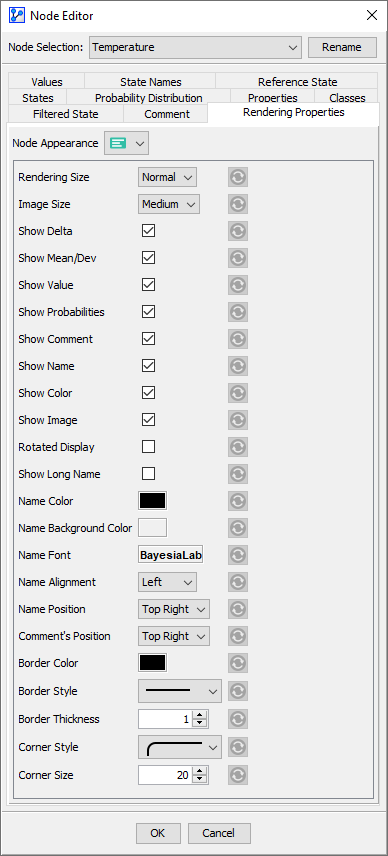 |  |  |