Selection Mode
Context
Selection Mode lets you choose how you define a selection zone in the Graph Panel. Three modes are available from the toolbar:
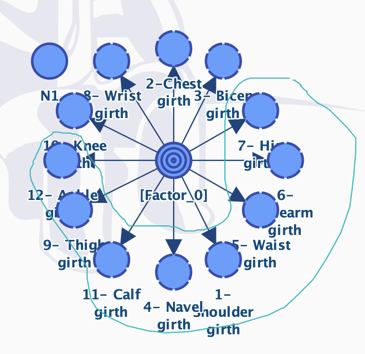
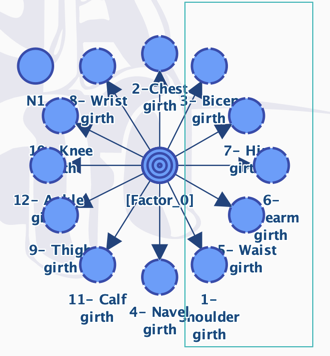
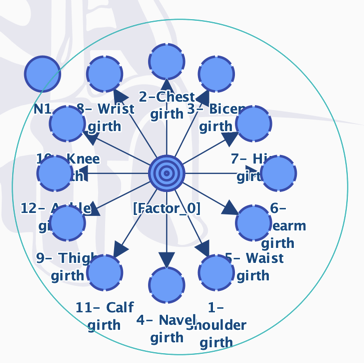
Rectangle: the default mode, which selects all the objects that are fully included in the rectangle defined with the mouse.Circle: a mode that lets you define the selection zone with a circle.Lasso: a mode that lets you freely draw the selection zone.
The selected mode is saved as the new default mode for all new graphs and sessions.
Examples
Rectangle
Circle
Lasso