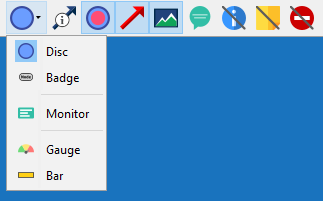
BayesiaLabBayesiaLab User GuideToolbarDisplay OptionsDisplay Options Display section in the toolbarUse Node Style to change how nodes appear on the Graph Panel.Display icons in detailNode styles on Graph PanelIcon in ToolbarMenu Item NameModeling Mode F4Validation Mode F5DiscLoading SVG...BadgeLoading SVG...MonitorLoading SVG...Loading SVG...GaugeLoading SVG...Loading SVG...BarLoading SVG...Loading SVG... Other display commands Show Arc Comments→Show Node Colors→Show Arc Colors→Show Node Images→Show Information While Hovering→Hide Information→Hide Notes→Hide Excluded Nodes→Show Network Skeleton→Zoom InNode Style