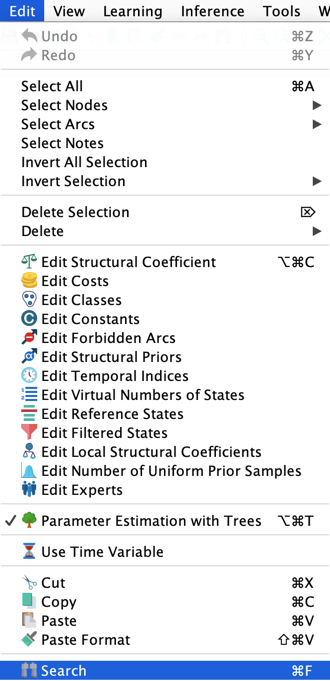
Search
Overview & Context
With Search, you can quickly find nodes, node comments, classes, arcs, monitors, and BayesiaLab features and functions. You can start many of BayesiaLab’s functions from within the Functions tab in Search by clicking the run icon in the Function column. When a found function has a keyboard shortcut, Search also returns that shortcut.
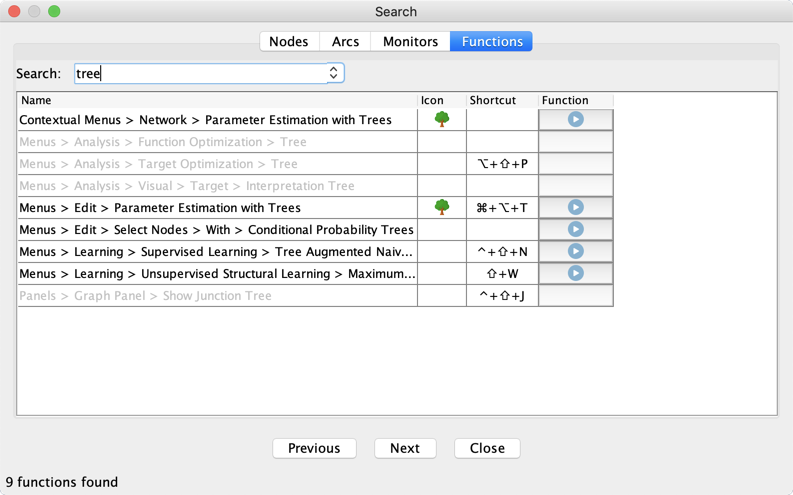
Usage
You can start Search in any of the following ways:
- Select
Edit > Search. - Click the binoculars button on the Menu Bar.
- Use the common shortcut
Ctrl+ForCmd+F.