Skip to Content

3D Mapping

Representation of the Target Node

As in the 2D version, the Target node is represented by a star so it can be quickly identified among the set of nodes.

Texture

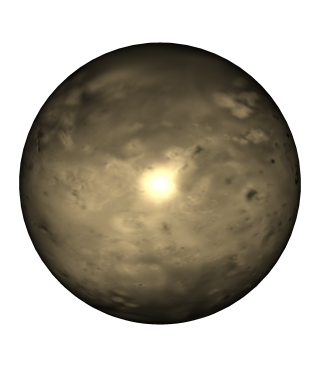
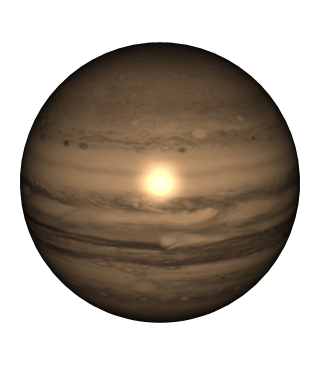
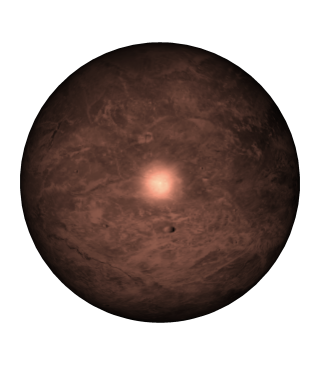
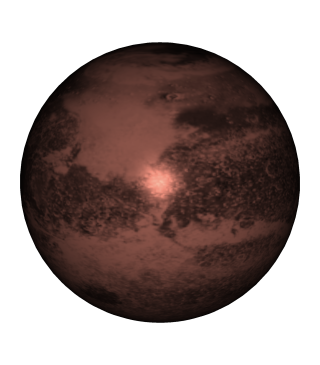
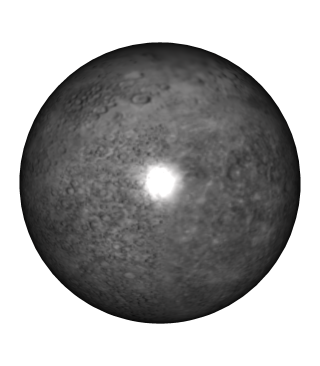
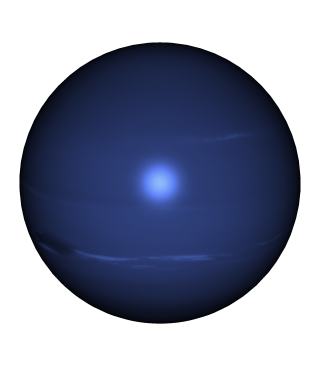
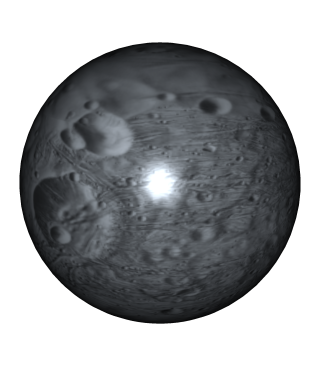
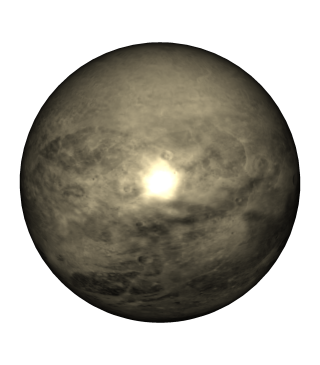
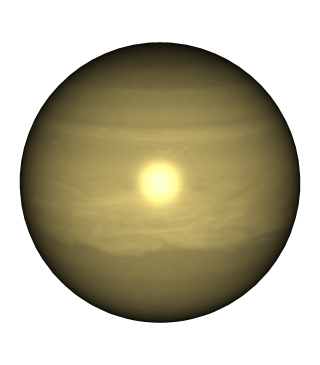
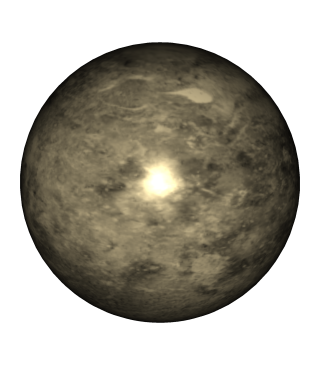
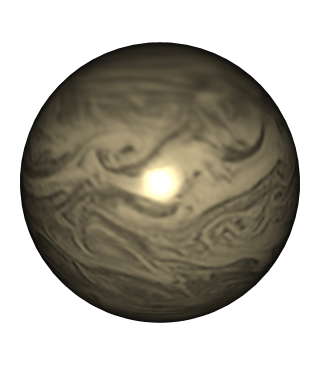
You can choose to use a texture for the 3D nodes. The currently available textures are based on planets and satellites of the solar system. You can select the texture via the contextual menu, or let BayesiaLab associate a random texture per node.
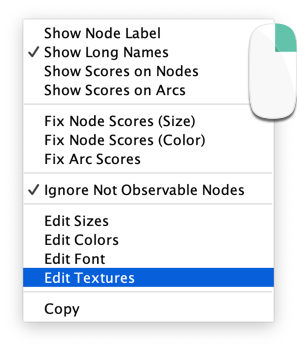
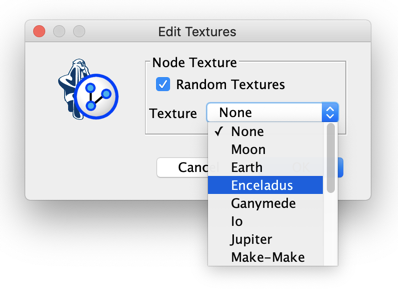
Mapping contextual menu with Edit Textures highlighted Edit Textures window with the Texture drop-down open, listing the available planets and moons

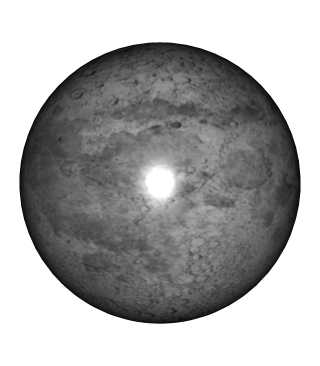
Moon

A 3D graph with the Moon texture on its nodes

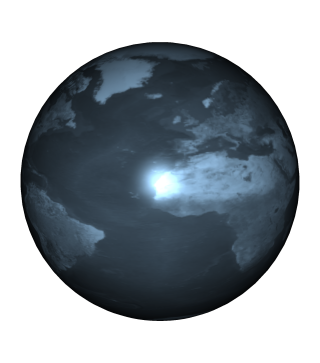
Earth

A 3D graph with the Earth texture on its nodes

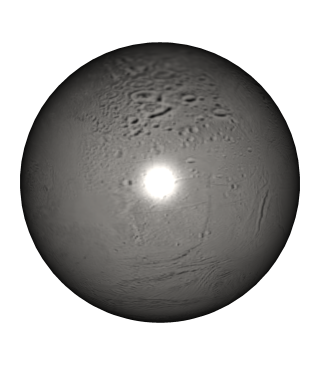
Enceladus

A 3D graph with the Enceladus texture on its nodes

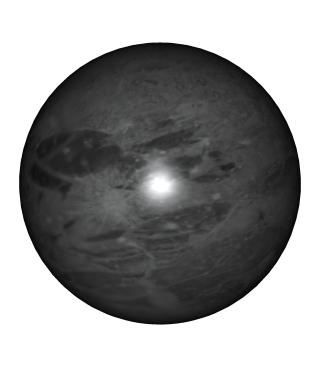
Ganymede

A 3D graph with the Ganymede texture on its nodes

Io

A 3D graph with the Io texture on its nodes

Jupiter

A 3D graph with the Jupiter texture on its nodes

Make-Make

A 3D graph with the Make-Make texture on its nodes

Mars

A 3D graph with the Mars texture on its nodes

Mercury

A 3D graph with the Mercury texture on its nodes

Neptune

A 3D graph with the Neptune texture on its nodes

Phobos

A 3D graph with the Phobos texture on its nodes

Pluto

A 3D graph with the Pluto texture on its nodes

Saturn

A 3D graph with the Saturn texture on its nodes

Venus

A 3D graph with the Venus texture on its nodes

Venus Clouds

A 3D graph with the Venus Clouds texture on its nodes

You can set your preferred default texture via Preferences.
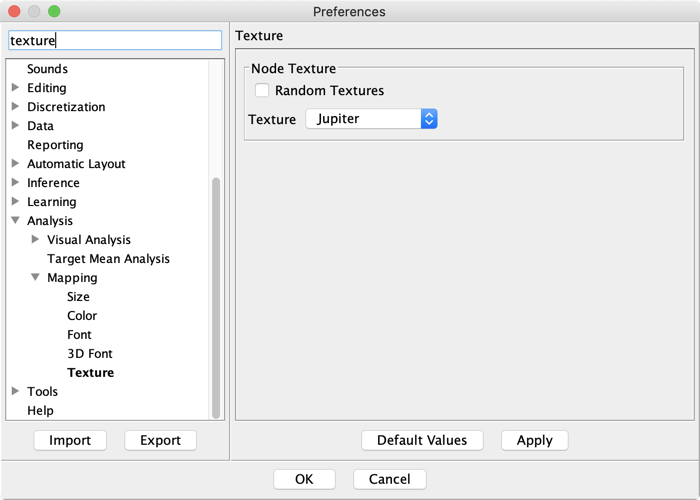
Preferences at Analysis, Mapping, Texture, with Jupiter set as the default

Auto-Rotate

The Auto-Rotate feature automatically animates your 3D graph.

Auto-Rotate button