
Reference States
Work in Progress
Usage
Use this command to assign Reference States from a text file. To assign to , put the following entry on its own line.
Diagnosis.MSelect Menus > Data > Associate Dictionary > State > Reference States and open the file. Then open Menus > Edit > Edit Reference States to check the assignment. The row should show .
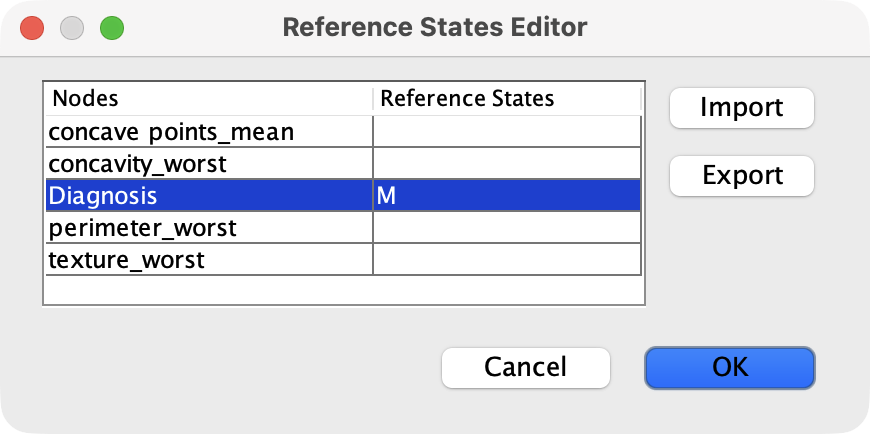
You can also apply a file created by Export Dictionary > State > Reference States.