
Reference States
Work in Progress
Usage
Use this command to save named Reference States to a text file. To export a single assignment, select its node in the graph, then choose Menus > Data > Export Dictionary > State > Reference States.
The Nodes to Process dialog lets you choose All Nodes or Selected Nodes. In this example, is the only selected node.
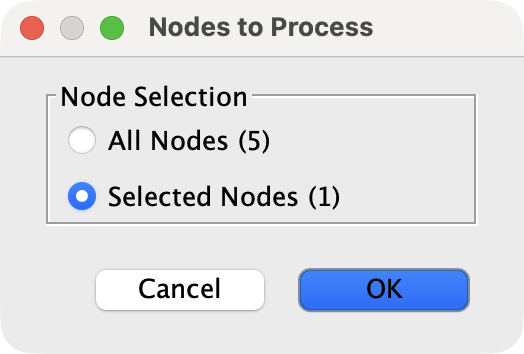
Choose Selected Nodes, click OK, and save the file. With assigned to , the file contains this entry.
Diagnosis.M=To apply the saved entry, use Associate Dictionary > State > Reference States.