
State Values
Work in Progress
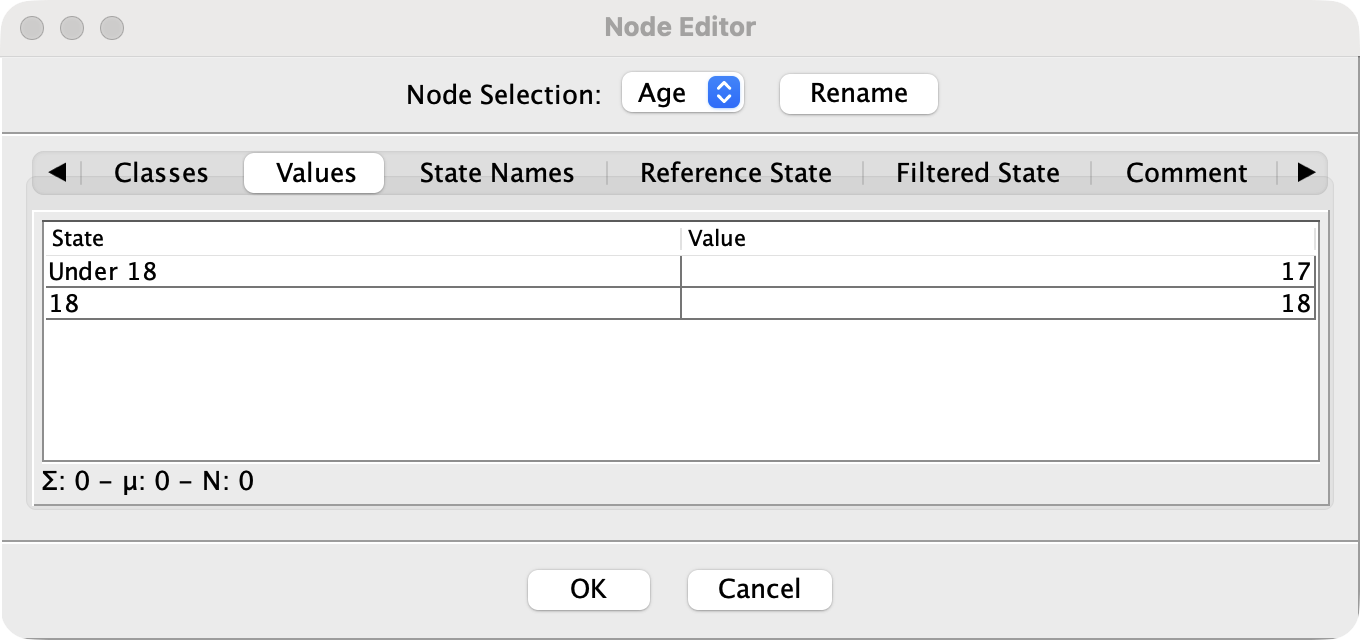
A State Values dictionary assigns numbers to the states of a node. In this survey example, has the representative age 17, and has the value 18. BayesiaLab uses those numbers to calculate an expected value.
- Save one entry per state in a text file. The period separates the node name from the state name. A backslash preserves the space in .
Age.Under\ 18=17.0
Age.18=18.0- Open the file with Menus > Data > Associate Dictionary > State > State Values.
- Double-click and open the Values tab. Check both assignments against the file.
To reuse the assignments, export a State Values dictionary.