
State Values
Work in Progress
Use this command to save the numerical values assigned to states. In the example, the two states represent survey respondents under 18 and those aged 18.
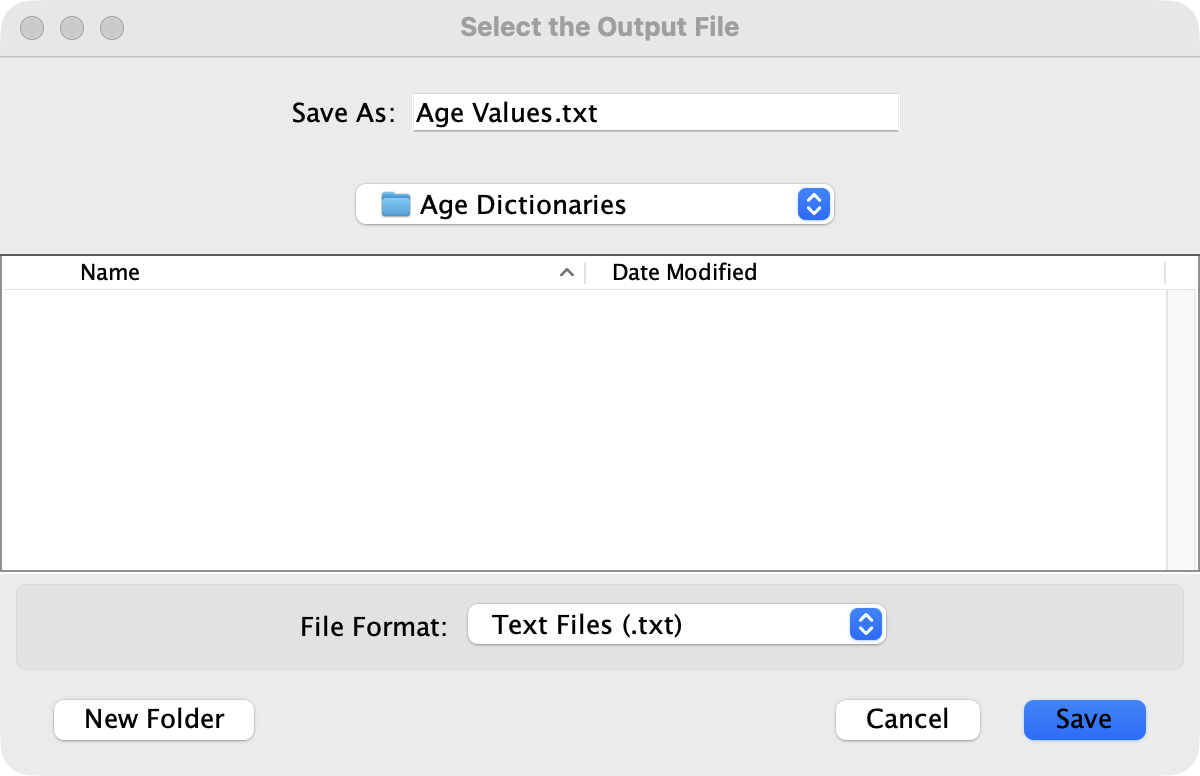
Choose Menus > Data > Export Dictionary > State > State Values. In Select the Output File, enter a filename such as “Age Values.txt” and click Save.
The two entries below the date header pair each state with its numerical value. BayesiaLab writes a backslash before the space in .
Age.Under\ 18=17.0
Age.18=18.0
To apply the values to a network with matching node and state names, use Associate Dictionary > State > State Values.