Remove
Overview
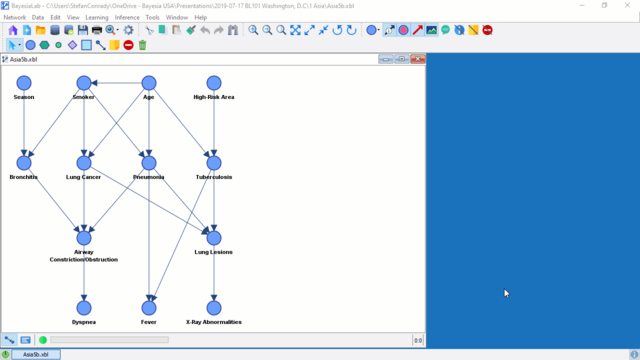
Once Prior Samples have been generated for a Bayesian network, an icon appears in the lower right corner of the Graph Window. Hovering over the icon shows the number of Prior Samples currently associated with the network.
Usage
To remove the Prior Samples, left-click the Prior Samples icon in the lower right corner of the Graph Window. Right-clicking the icon instead brings up a view of the Bayesian network structure that was used for generating the Prior Samples, which is a practical tool for quickly comparing the current state of a network, for example after machine-learning, with the original prior knowledge.