
Automatic Graph Layout
Context
Along with switching between Modeling Mode and Validation Mode, Automatic Graph Layout is one of the most frequently used functions in BayesiaLab. As the name suggests, the Automatic Graph Layout automatically arranges nodes in the Graph Window using the specified Layout algorithms.
Usage
The Automatic Graph Layout is a one-step process, so once you launch it, it uses the algorithms defined under Preferences. The default layout algorithm assignments are:
- For nodes connected by arcs: Symmetric Layout
- For unconnected nodes: Grid Layout
There are several ways to start the Automatic Graph Layout:
- Press the shortcut
P, which is the quickest way to use it. - Go to
Menus > View > Automatic Graph Layout.
To change the default algorithm assignments, go to Menus > Window > Preferences > Automatic Layout. Select the desired algorithms from the corresponding dropdown menus.
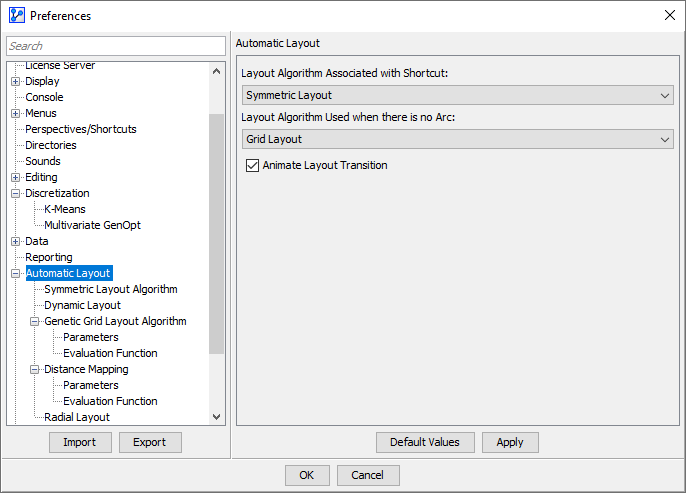
By default, BayesiaLab animates the transition from the original layout to the final layout, which is produced using Automatic Graph Layout.