
Edit
Context
The Node Editor is the principal tool for viewing and modifying the many properties a node can have.
Usage
The Node Editor is only available in Modeling Mode F4, and there are two ways to open it:
- Double-click on the node of interest.
- Select
Node Contextual Menu > Edit.
The Node Editor window opens:
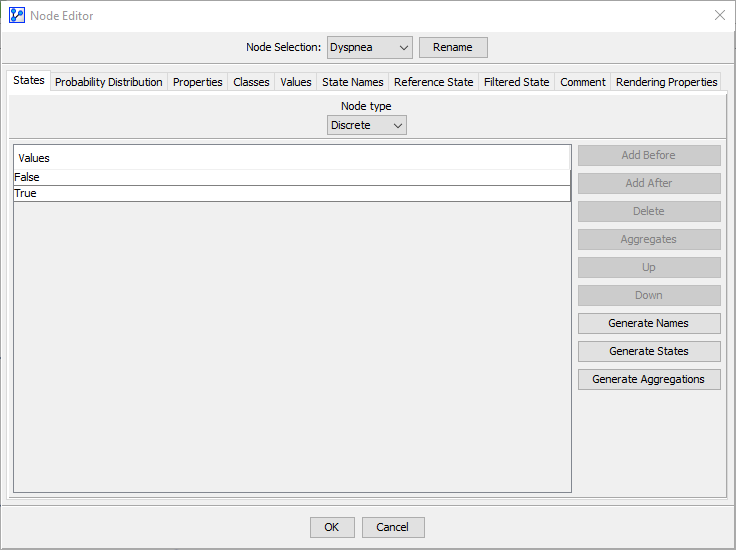
The Node Editor window features three main sections:
-
Node Selection Panel:
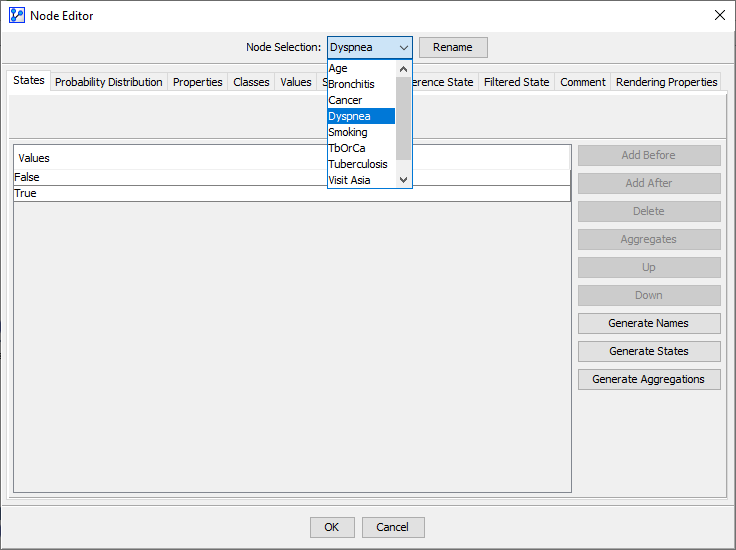
Here, the node name of the selected node is shown. You can select a different node in the network by opening the drop-down menu, which lets you navigate to different nodes without closing the Node Editor. Clicking the
Renamebutton allows you to modify the current node name; you can also rename a node by double-clicking on the node name. -
Node Editor Tabs:

The tabs group a wide range of functions and properties into similar concepts.
-
Contents of Node Editor Tabs: The following topics explain the features and functions of each tab in detail: