
Badge Style
Context
The Badge style is a recent addition to the Node Styles available in BayesiaLab. The Badge style creates a horizontal frame around the Node Name and adds an extra line for a Node Comment, if available.
The Badge style displays the Node Color as horizontal bars along the top and bottom of the frame. This style provides a clear and uncluttered layout, emphasizing Node Names. This section demonstrates how to apply and customize the Badge style for nodes.
Usage
-
Select the node(s) you want to modify.
-
Apply the Badge style using one of the following methods:
-
Select
Node Contextual Menu > Properties > Node Style > Badge. -
Select the
Badgeicon from the dropdown menu in the Toolbar.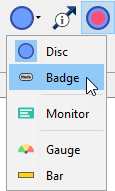
-
Select
Menus > View > Node Style > Badge.
-
-
For the Badge style, there are numerous customization options.
-
To access the full set of options:
-
Select
Node Contextual Menu > Properties > Rendering Properties > Edit All.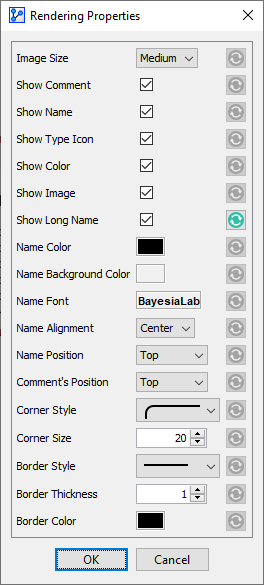
-