
Bar Style
Context
The Bar style is a recent addition to the Node Styles available in BayesiaLab. Similar to the Badge style, the Bar style creates a horizontal frame around the Node Name and adds an extra line for a Node Comment, if available. The central element of the Bar style is a horizontal frame filled from left to right in proportion to the node value relative to its minimum and maximum values.
This section explains how to apply and customize the Bar style for nodes.
Usage
-
Select the node(s) you want to modify.
-
Apply the Bar style using one of the following methods:
-
Select
Menus > View > Node Style > Bar. -
Select the
Baricon from the dropdown menu in the Toolbar.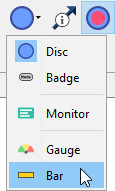
-
Select
Node Contextual Menu > Properties > Node Style > Bar.
-
-
For the Bar style, there are numerous customization options.
-
To access the full set of options:
-
Select
Node Contextual Menu > Properties > Rendering Properties > Edit All.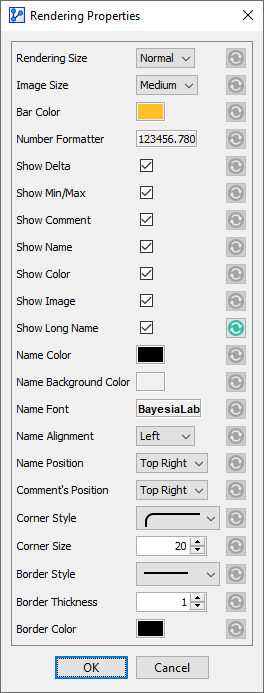
-