
Network Comments
Context
Network Comments provides space for notes, descriptions, and references regarding a Bayesian network. In the Network Comments field, you can enter and edit paragraph-style text.
Usage
You can access the Network Comments Editor in two ways: Menus > Network > Properties > Comments, or Graph Panel Contextual Menu > Properties > Comments. A new window opens featuring the Network Comments Editor.
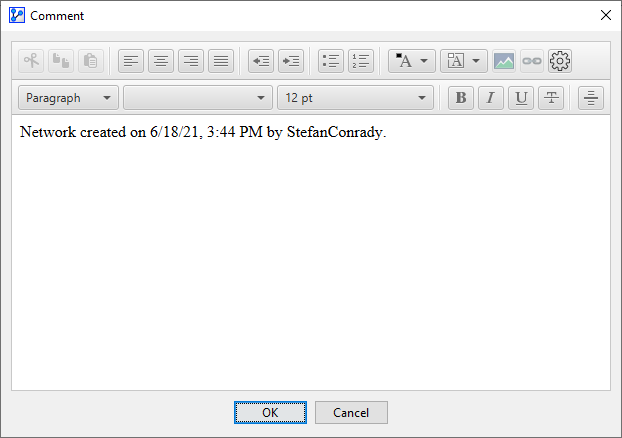
By default, the Network Comments field contains the date and time the file was created plus the user that created the file.
Alternatively, the Network Comments field displays any custom text that you may have defined, such as a description of the problem domain.
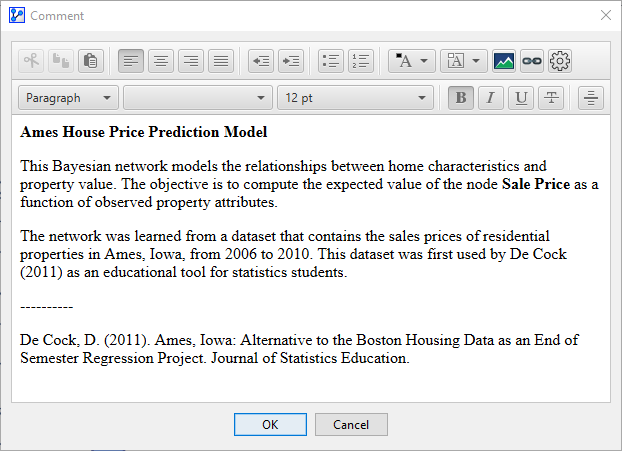
Using the toolbar, you can apply HTML-style formatting to your text, including links and images.
Note that Network Comments are automatically saved with the network file. If you share your network file with others, the information contained in Network Comments will be accessible to them.