
Open
With Open, you can select a Bayesian network file via a File Dialog and load it into a Graph Window.
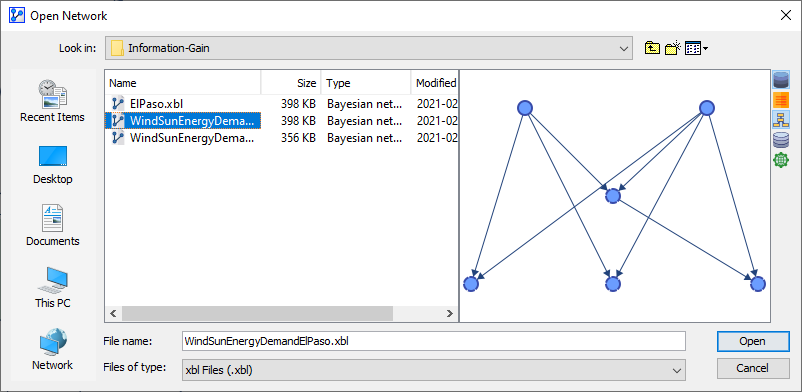
To the right of the file list, a preview panel shows you the structure of the Bayesian network to be loaded.
You can also specify what to load along with the file. Clicking the icons to the right of the file list toggles specific file contents on and off:
- Load the Dataset with the network.
- Load the Evidence Scenario File with the network, if available.
- Load the Junction Tree with the network, if available.
- Load the Virtual Dataset with the network, if available.
- Load the Simulator, i.e., load the WebSimulator configuration, if available.
The Files of Type dropdown menu allows you to filter which Bayesian network formats are displayed in the file list.
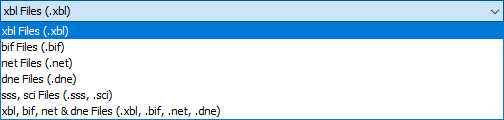
In addition to BayesiaLab’s XBL format, select versions of BIF, NET, SSS, SCI, and DNE formats may be supported.
Bayesia does not guarantee the compatibility of BayesiaLab with any third-party or open-source Bayesian network formats.