Save as Image…
Overview
Save as Image... saves the contents of the Graph Panel or the Monitor Panel as an image. You can save the entire graph or only the selected nodes, and the entire set of Monitors or only the selected ones, in a range of formats:
- PNG
- GIF
- SVG
- EMF
- EPS
- SWF
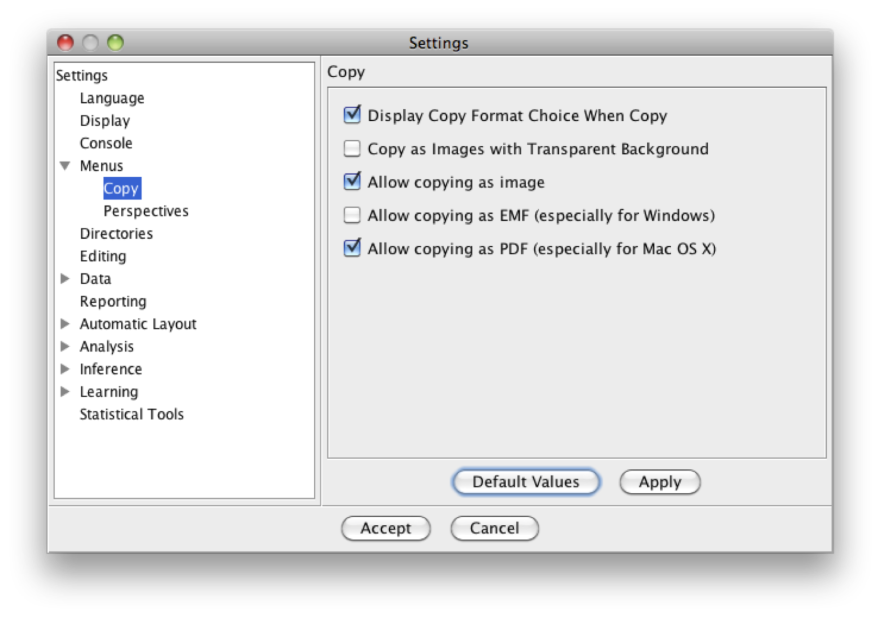
In addition to the standard raster formats, you can export vector images (SVG, EMF, EPS), which can be edited and scaled without losing quality. You can also configure object copy in the Settings to copy as an image in either raster or vector format.
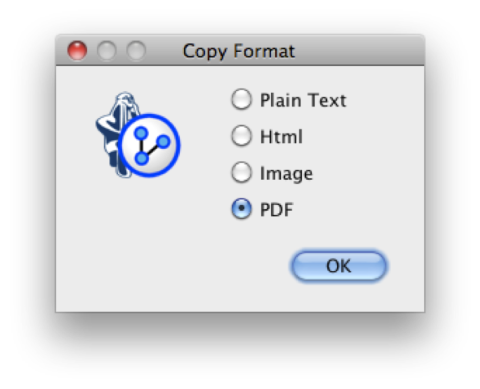
When more than one format is available for the copy, a pop-up window appears for choosing the format: