Comment
Work in Progress
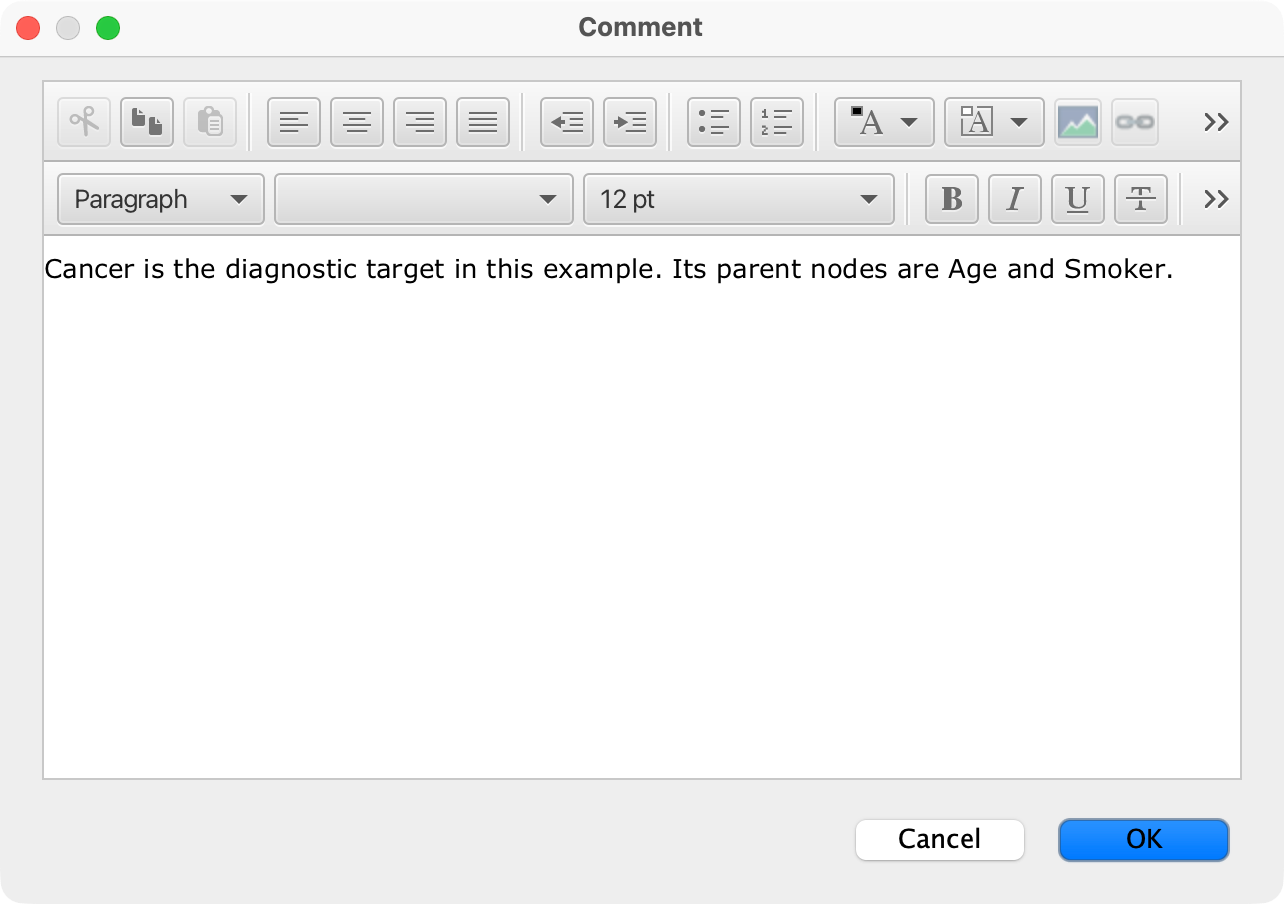
The Comment editor lets you attach formatted explanatory text to a node. Its toolbar provides text alignment, lists, font settings, colors, images and hyperlinks.
Usage
- Open Node Contextual Menu > Properties > Comment > Edit.
- Enter or format the comment, then choose OK to save it. Choose Cancel to discard changes to the open editor.
The example below describes in the Visit Asia network.