Edit All
Overview
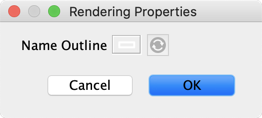
Node Contextual Menu > Properties > Rendering Properties > Edit All opens a window with the full set of editing options for the selected nodes’ Node Style. The available settings depend on the selected Node Style and include the outline, alignment, and position of the node name.
Name Outline
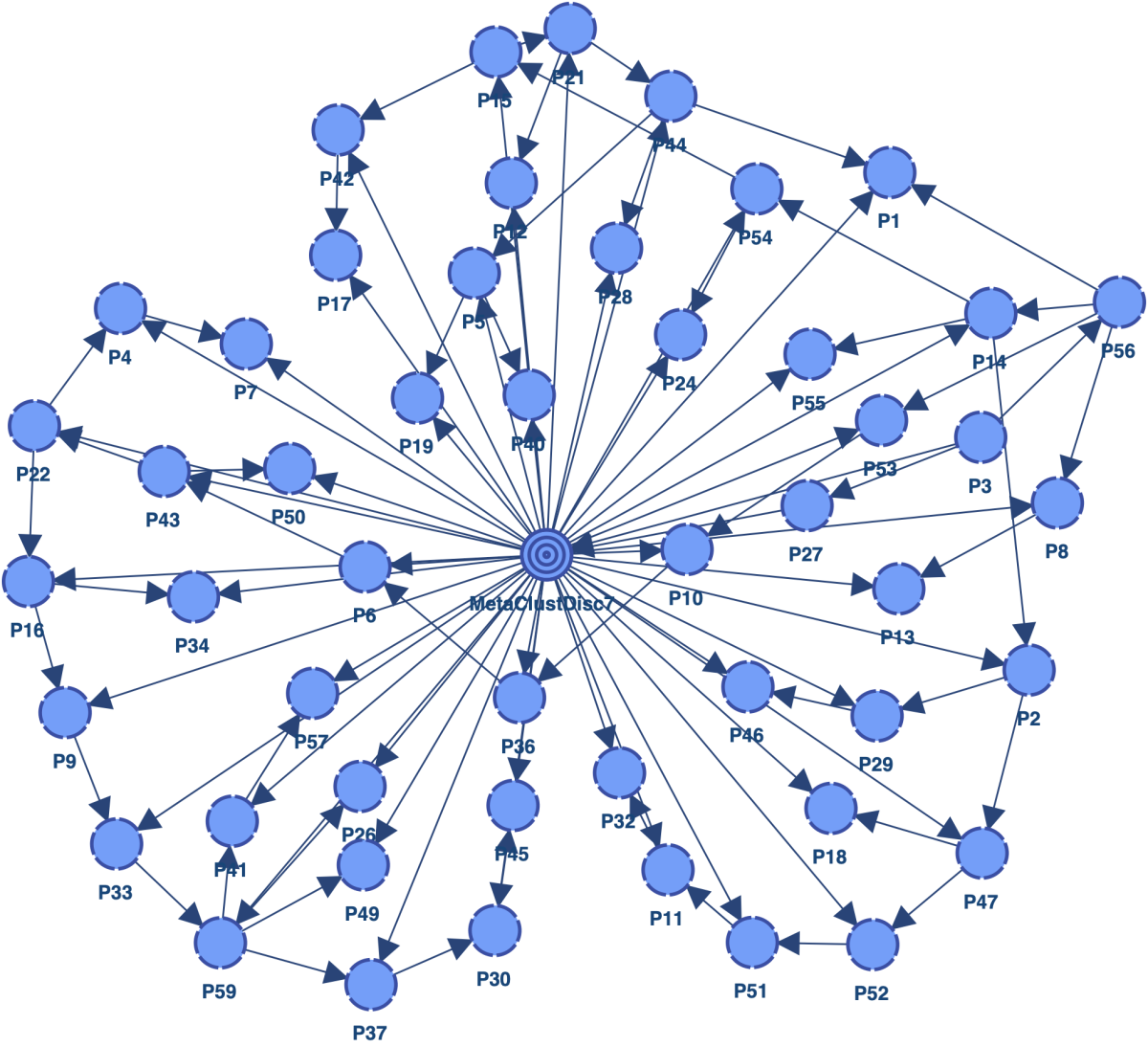
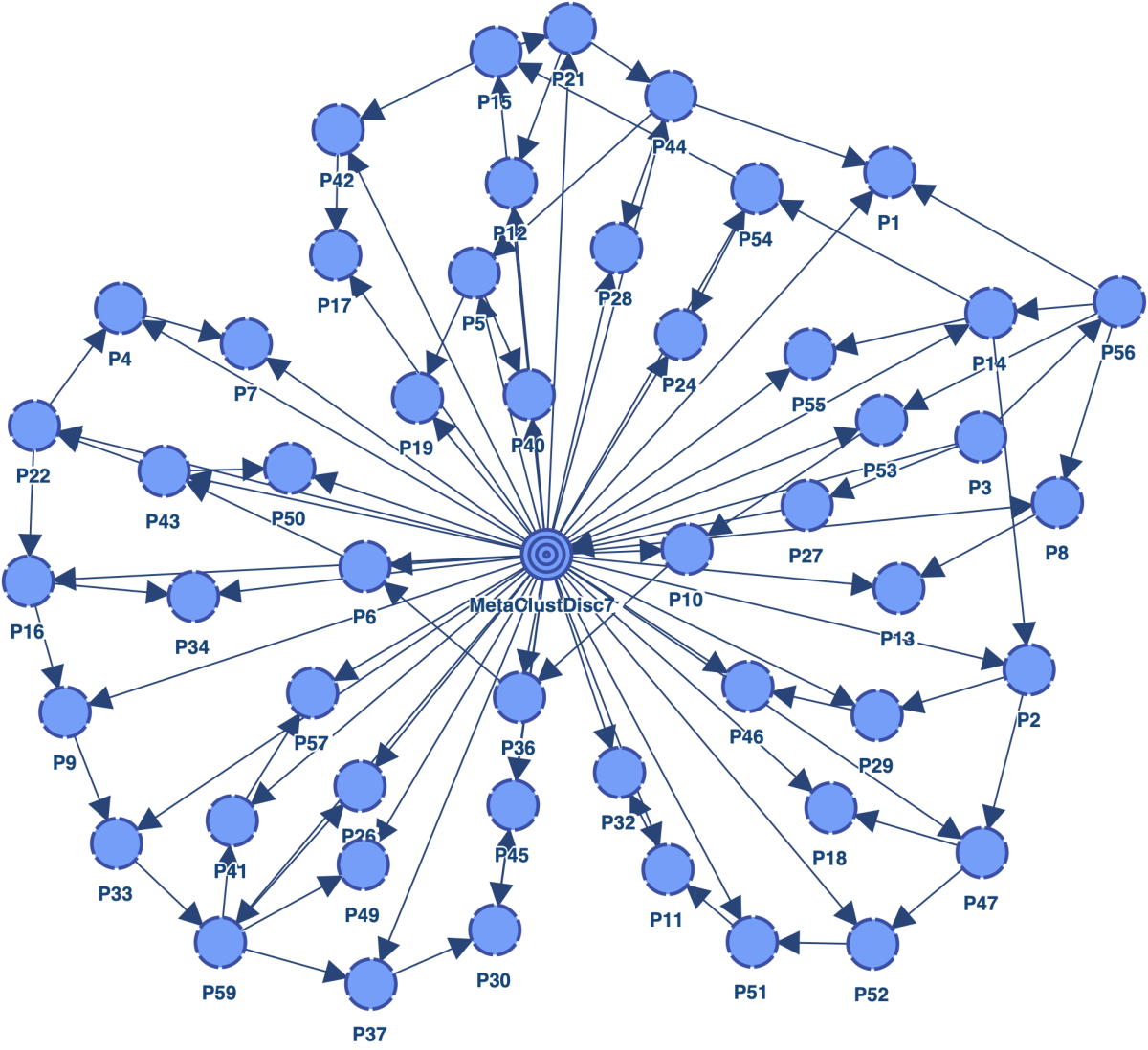
You can outline the name of nodes represented as Disc. This is especially useful when node names and arcs have similar colors.
Example: No Outline / Outline
Name Alignment
The node name can be left-aligned, centered, or right-aligned.
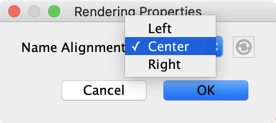
Example: Left / Center / Right



Name Position
The node name can be displayed at the top, bottom, left, or right of the node.
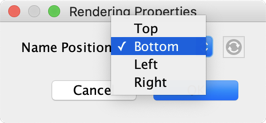
Example