
Edit Forbidden Arcs — Add/Remove
Usage
The Add button brings up a dialog box in which you can define constraints on arcs:
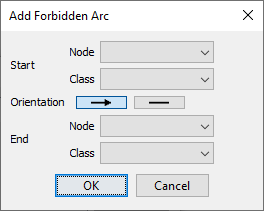
Here, you can specify precisely what types of arcs should be forbidden. You can specify constraints for individual nodes and classes or create meta constraints that apply to groups of nodes and classes. This provides an enormous number of possible configurations, of which we now illustrate a small selection of constraints. We use the following fully connected network as a starting point for showing the effects of applying Forbidden Arcs. While a fully connected network is rarely feasible (or useful) if you have more than a few nodes, here it can highlight the absence of arcs due to the Forbidden Arc constraints.
There are many ways you can define individual Forbidden Arcs or define sets of Forbidden Arcs in the Forbidden Arc Editor, for instance:
-
Between a node and another node:
N1 — N2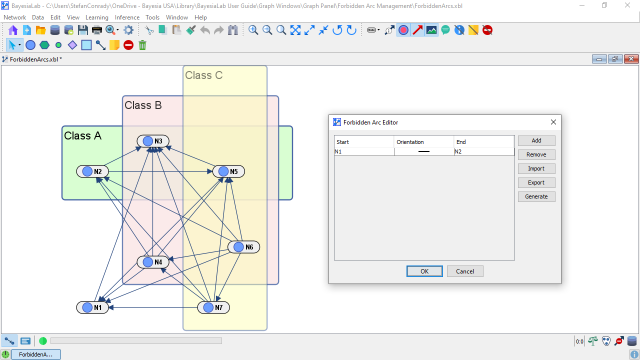
-
Between a node and all other nodes:
N1 — <All Nodes>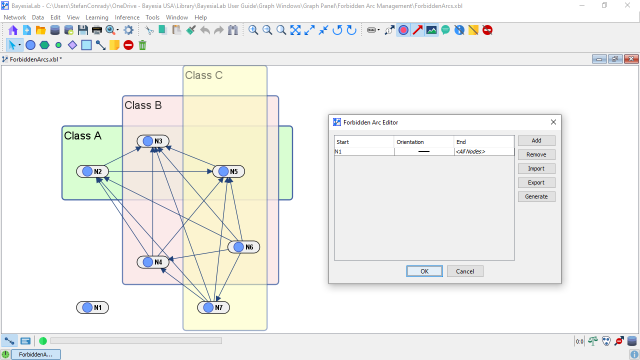
-
Between a node and a class:
N1 — Class A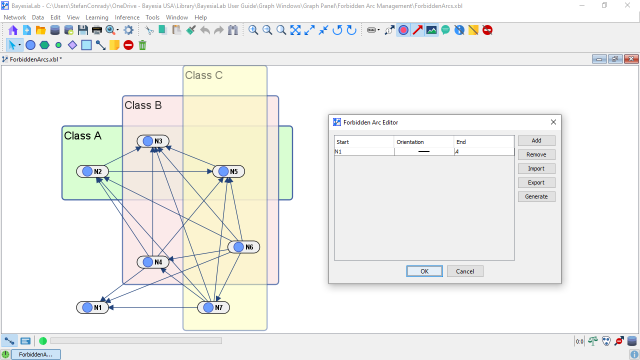
-
Between two classes:
Class A — Class B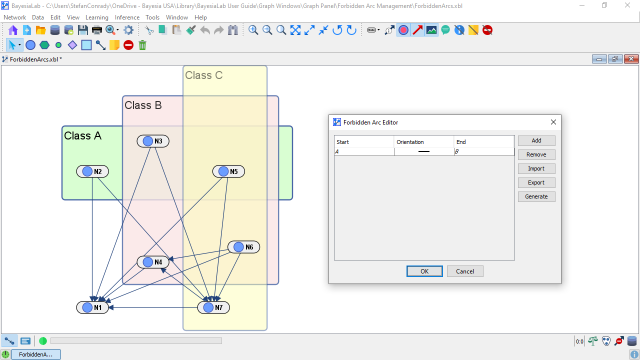
-
Between nodes of the same classes (intra-class):
<Same Class> -- <Same Class>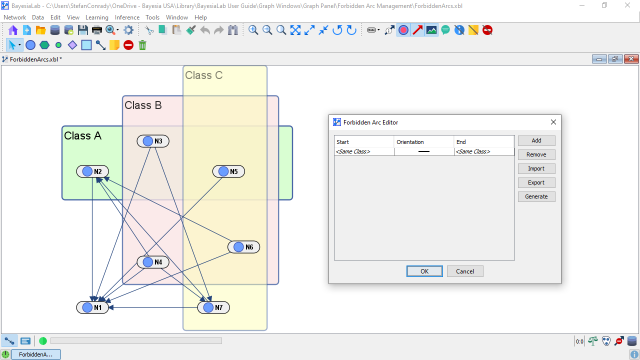
-
Between nodes of different classes (inter-class):
<Different Class> -- <Different Class>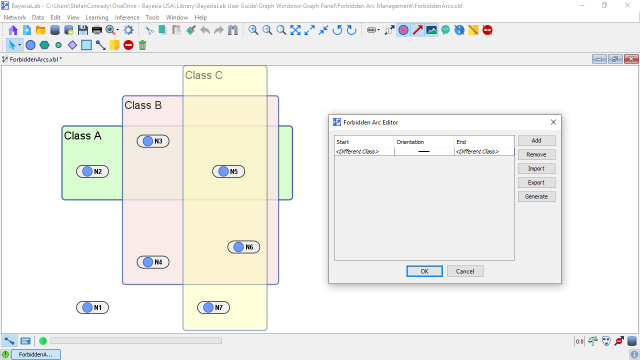
-
Between classes and each of the classes:
<Each Class> -- <Each Class>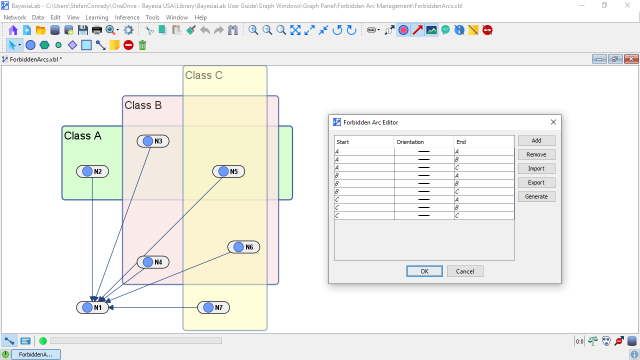
-
Between nodes and each of the classes:
Class A — <Each Class>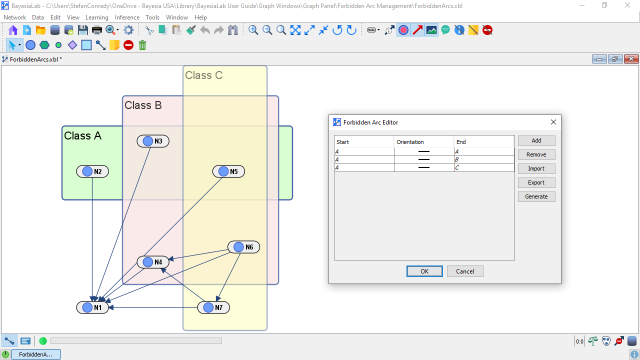
Furthermore, you can specify which arc orientations are prohibited:
- Prevent the arc from the node/class in the Start column to the node/class in the End column (
→) - Prevent the arc in both directions (
--)
Workflow Animation
This animation shows how we add a random selection of constraints and then perform Unsupervised Learning using the EQ Algorithm with a Structural Coefficient of 0. Without Forbidden Arcs, this structural learning process would produce a fully-connected network with 21 arcs. Given all the Forbidden Arcs we specified, we obtain, after learning, a much simpler network with only six arcs.
Note that defining a Forbidden Arc, after the fact, on a machine-learned network will not modify that network. The arc prohibition only becomes relevant when you perform learning again.