Network Comments Report
Context
The Network Comments Report displays the information recorded in a network’s Comments field. If available, it also lists the associations of Node Names, Long Names, and Node Comments.
Usage
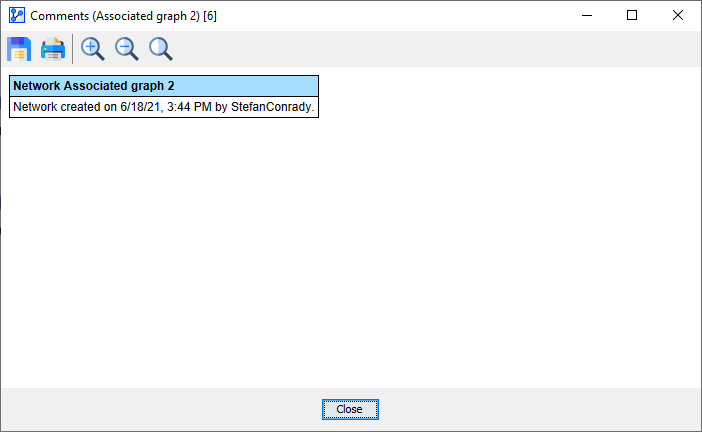
Select Menus > Network > Reports > Comments. The Network Comments window opens, and a typical report resembles the following screenshot.

For a network that is in an early stage of development with little customization, the Network Comments Report may only feature default information: