Translator
Overview
The Translator renders a model’s text, including its node names, state names, and comments, into another language using a translation engine such as ChatGPT or DeepL.
Use it for multilingual models, localized documentation, and cross-language review.
Workflow
Hellixia > Translator.Node Translator window, pick the target language from the dropdown.OK to start the translation.Example
The following unconnected network holds 240 statements about personality and character traits, such as “I get angry easily” or “I smile a lot.” Each statement is stored in a node name.
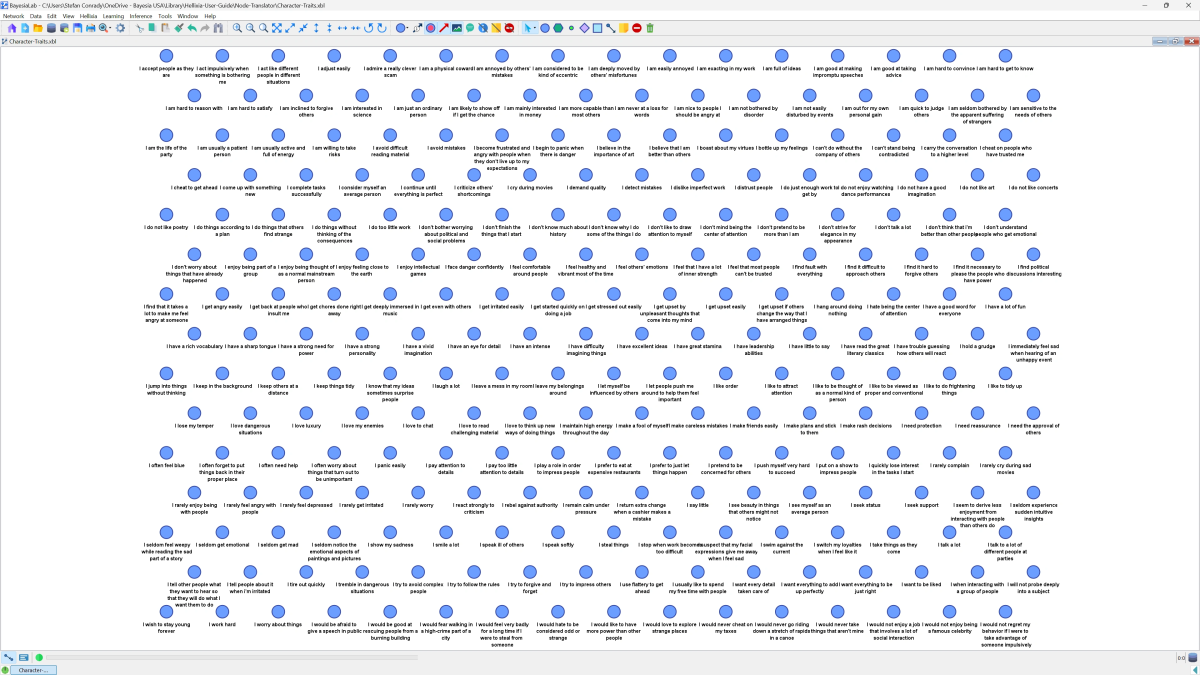
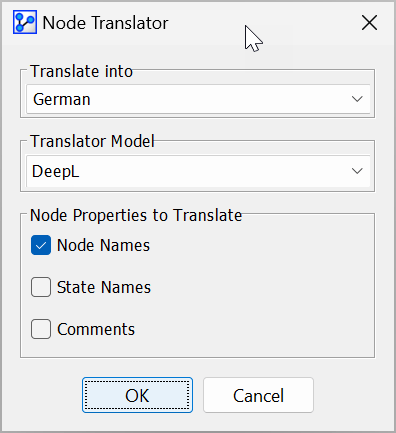
The node names are in English, and we want to translate them into German. Select all of the nodes, open the Node Translator window, pick German as the target language, choose the translation model, and check the node properties to translate.
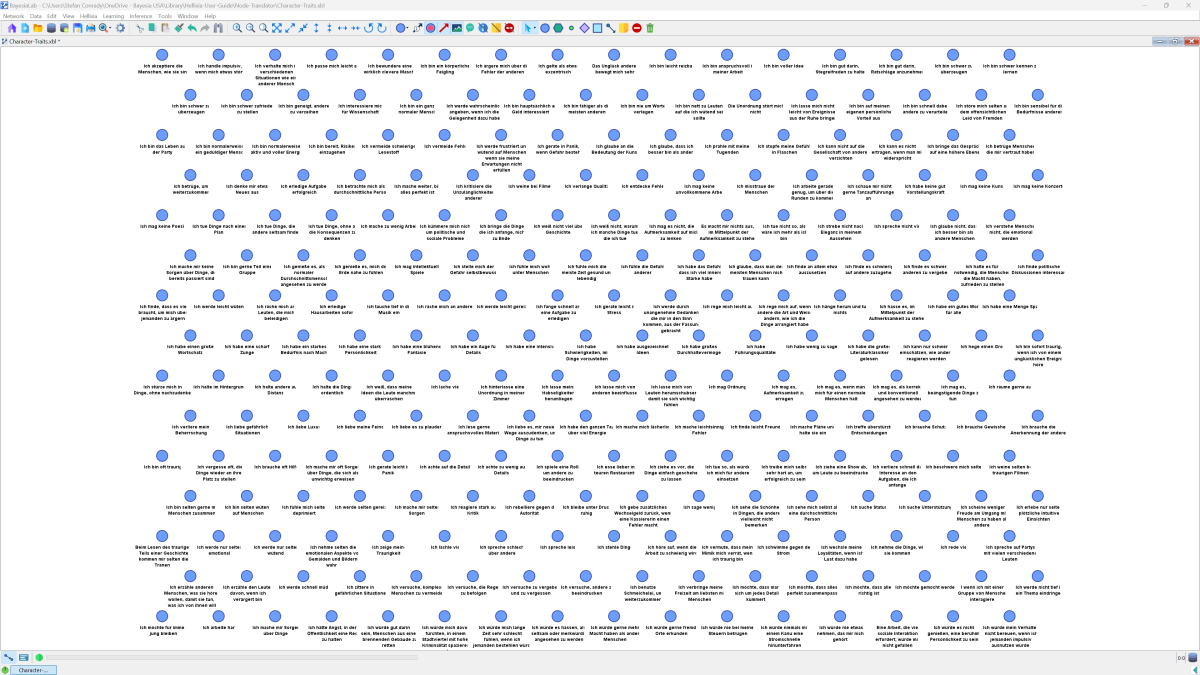
Clicking OK starts the translation. Once it finishes, the node names appear in German.