
Automatic Bayesian Network Generator
Overview
The Automatic Bayesian Network Generator is a feature of Hellixia, BayesiaLab’s Large Language Model-powered layer. Its purpose is to produce constraint-free Bayesian Networks.
“Constraint-free” means that the generated network imposes no restrictions on variable type or the number of states a variable can have. This flexibility is important because in many domains you don’t know in advance whether a concept should be treated as Boolean, categorical, ordinal, or continuous. The generator handles all these cases automatically:
- Nodes can be Boolean (true/false)
- Categorical (multiple unordered states)
- Ordinal (ordered categories)
- Continuous (automatically discretized into bins)
The Conditional Probability Tables (CPTs) in these networks are plain probability tables, in which each cell is defined directly, without using built-in functions like Noisy-OR, logistic formulas, or other parametric forms. The generator therefore produces fully general CPTs that can capture any arbitrary conditional distribution.
The generator builds both the graphical structure (nodes and arcs) and the probability parameters entirely from the model’s knowledge, without requiring you to manually define variable types or states beforehand. It is one of several ways to create a Bayesian Network in Hellixia; others include conversational modeling (through the Conversational Network Modeler) or using the Causal Relationship Finder on a set of user-supplied nodes.
Workflow
To start the Automatic Bayesian Network Generator, select Menus > Hellixia > Automatic Bayesian Network Generator.
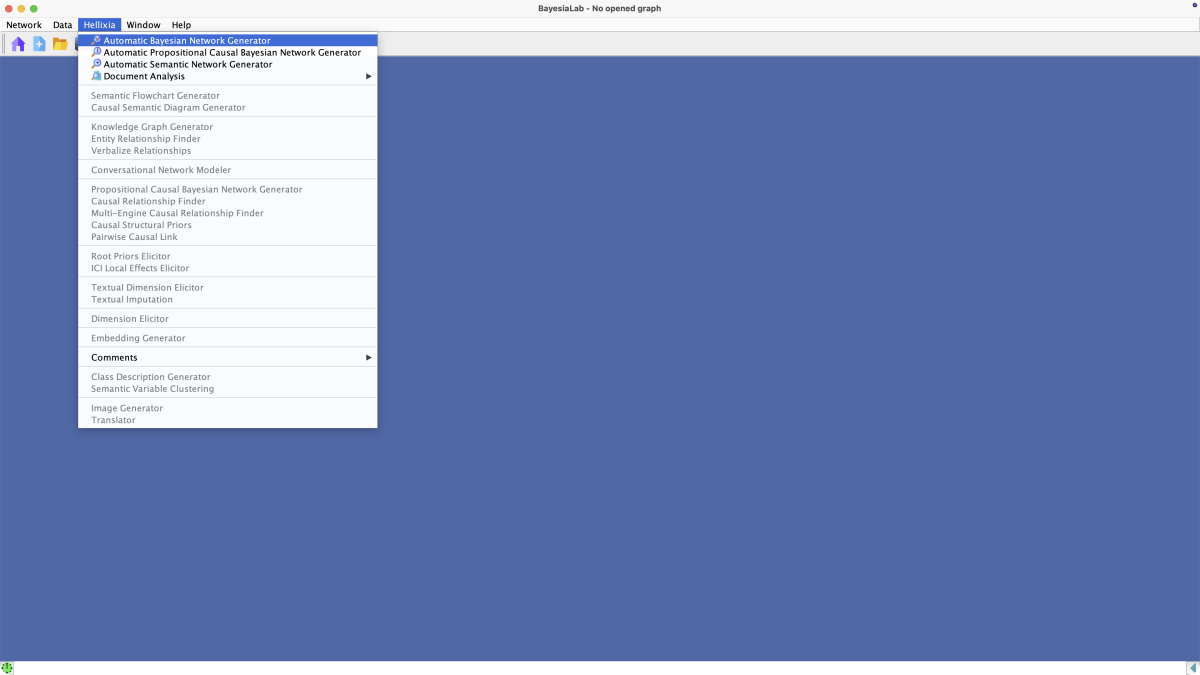
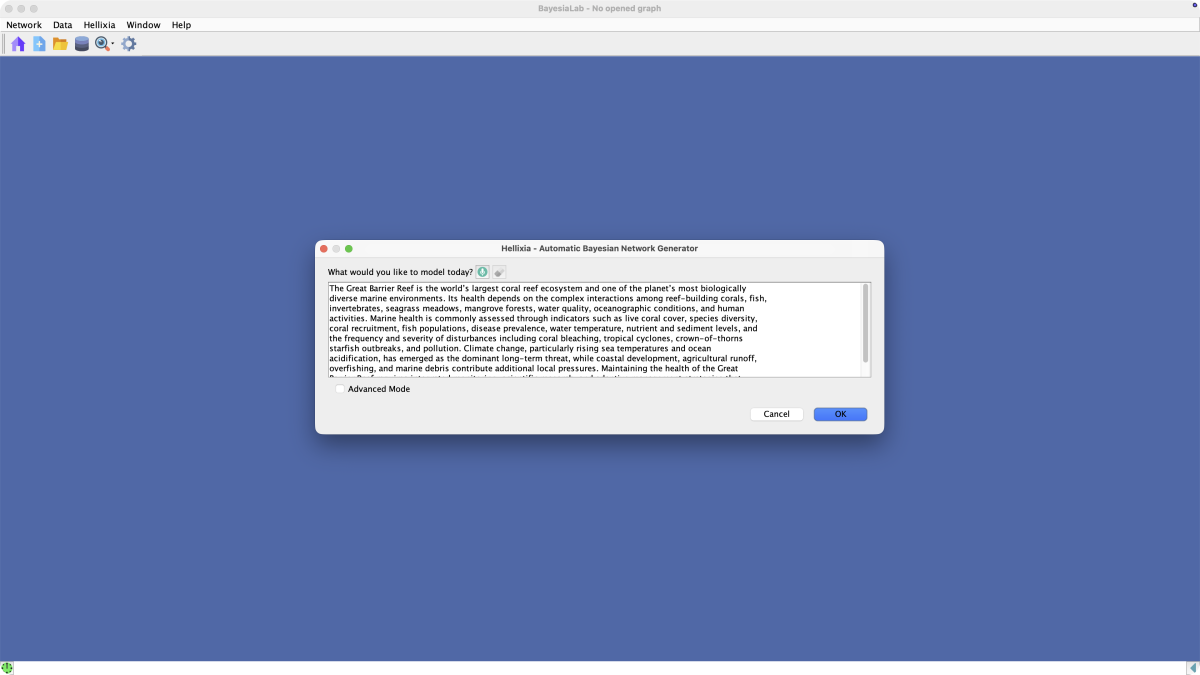
A window opens up and prompts you for the topic of the Bayesian network to be
modeled: What would you like to model today?
The topic you provide can be as simple as a single concept, e.g., “Coral Reef Health”, or an entire paragraph to describe the domain of interest.
Checking Advanced Mode extends the window and provides you with an additional Settings panel.
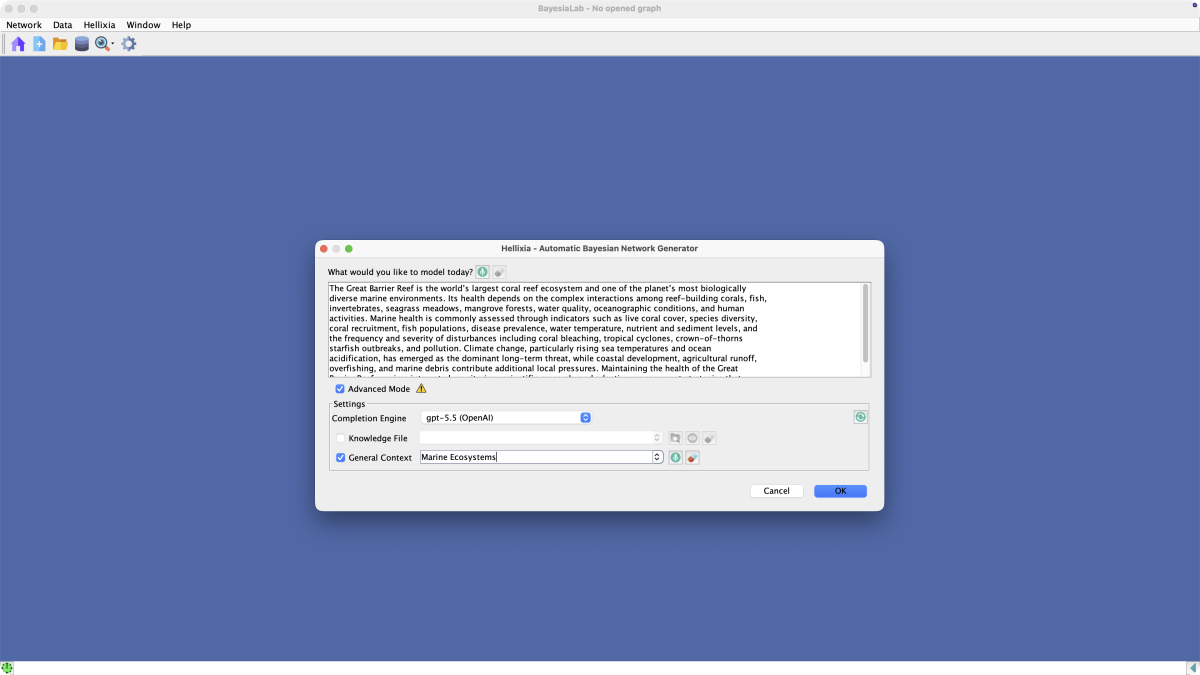
With the Completion Engine dropdown menu, you can specify which LLM you want to employ for creating the Bayesian network model.
The optional Knowledge File allows you to introduce very specific resources on the particular topic to be studied.
Under General Context you can also provide helpful guidance to the model development, especially if the topic you provide is ambiguous. For example, “Java” could refer to coffee, the Indonesian island, or the programming language.
Click OK to start generating the model.

Upon completion, you will see a Bayesian network representing the domain you described in the previous step.
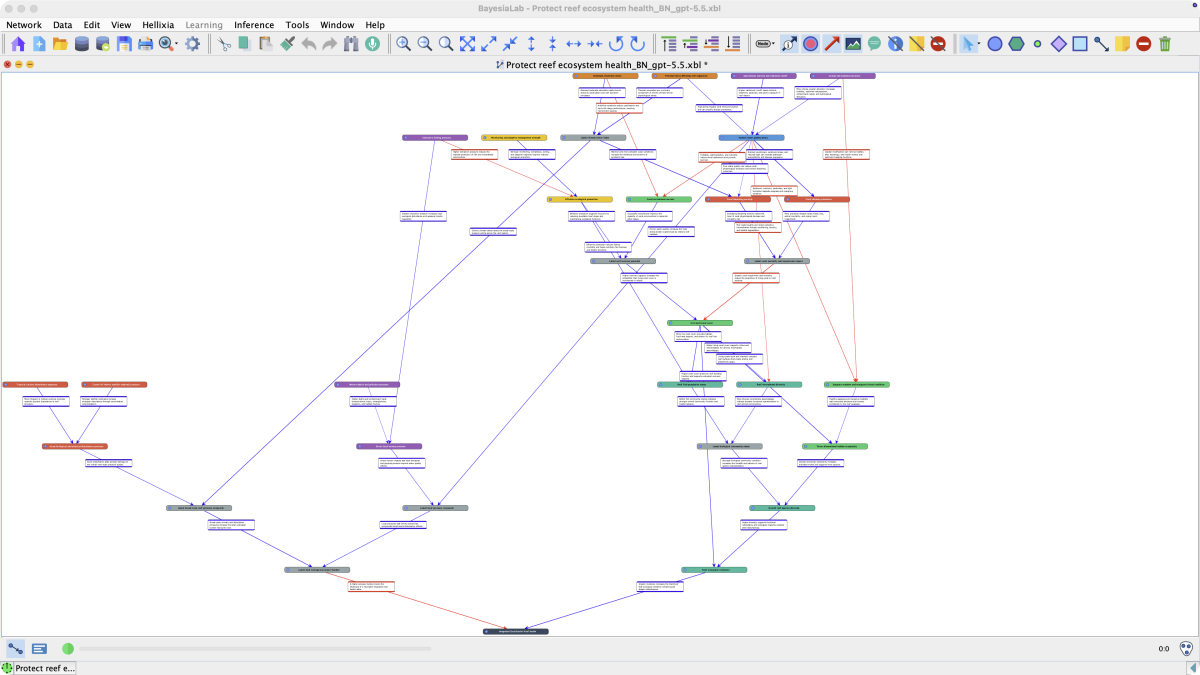
Zooming in and out allows you to explore the generated network in more detail.
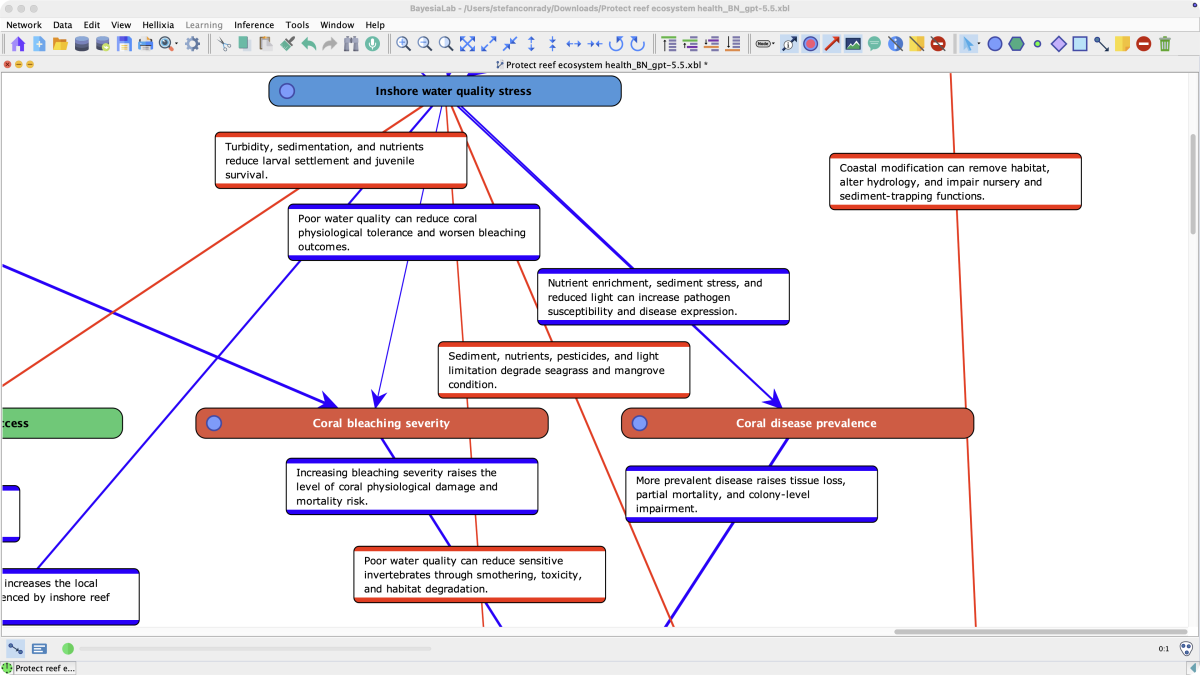
By clicking the Arc Comments icon in the Toolbar, you can turn the comment boxes on the arcs on and off.
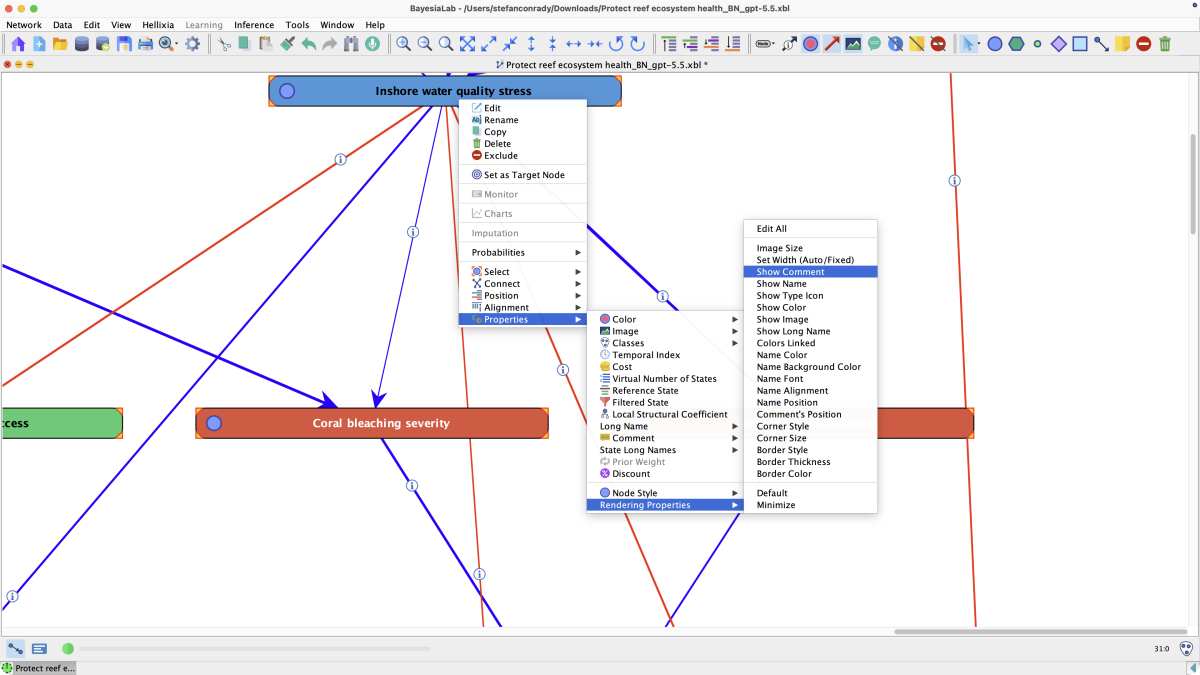
Furthermore, you can show the Node Comments by highlighting the nodes of interest and then selecting Node Contextual Menu > Properties > Rendering Properties > Show Comment.
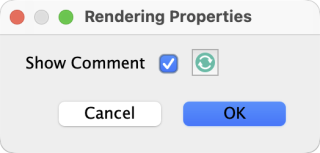
To confirm, check Show Comment in the pop-up window.
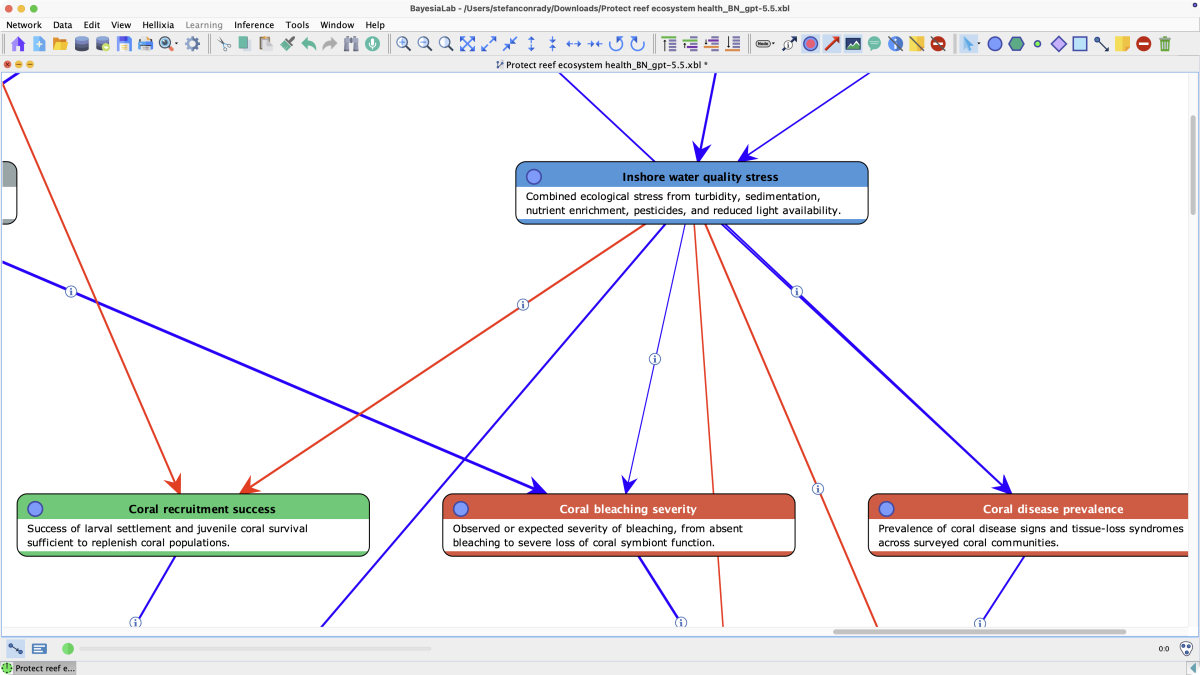
Now, the Bayesian network features Node Comments, providing descriptions of the nodes.
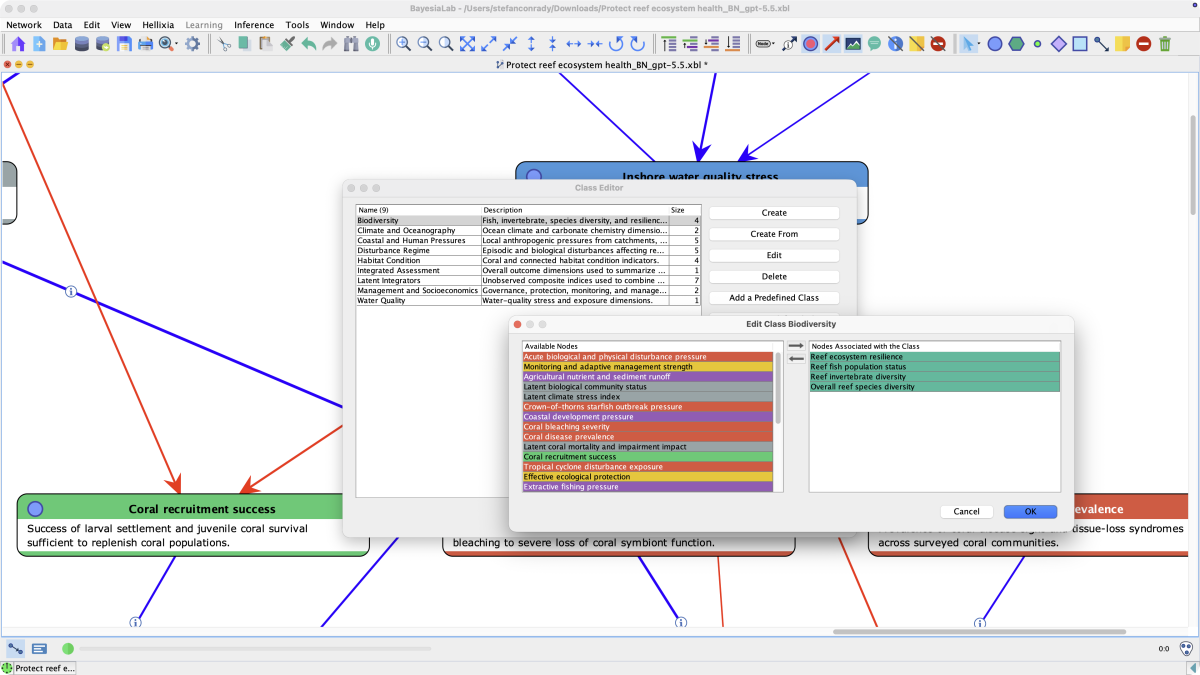
Beyond creating nodes and arcs in Bayesian networks, the generator groups the nodes into Classes. You can bring up the Class Editor from Menus > Edit > Edit Classes, which reveals how classes were applied to the nodes. Especially in large and complex networks, classes can help organize and manage the nodes.
In the screenshot below, we see the class and the nodes that are part of this class.
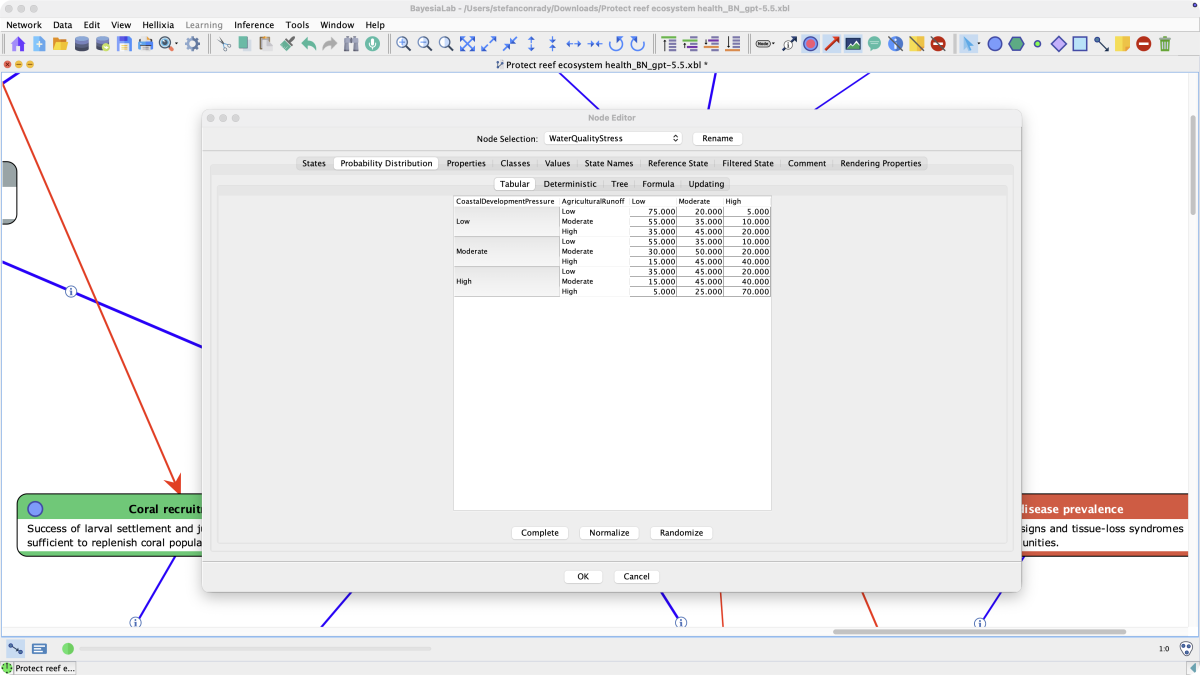
It is important to point out that the generated Bayesian network is fully estimated, i.e., all Conditional Probability Tables are filled with values, as shown in the Node Editor below. You can open the Node Editor by selecting Node Contextual Menu > Edit.
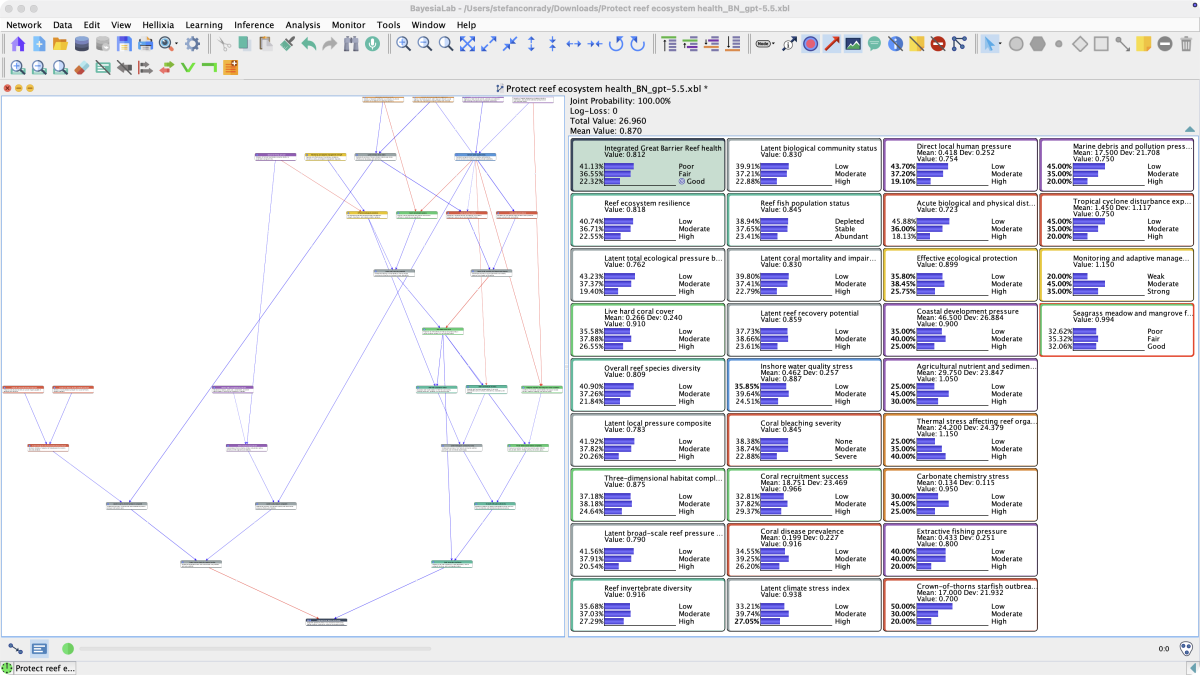
With a fully specified and estimated Bayesian network, we can proceed to perform a wide spectrum of analyses upon switching into the Validation Mode.
For example, the following screenshot shows the marginal distributions of all nodes in the Monitor Panel.
Related Resources
The Bayesian network shown above is available for download as an XBL file.

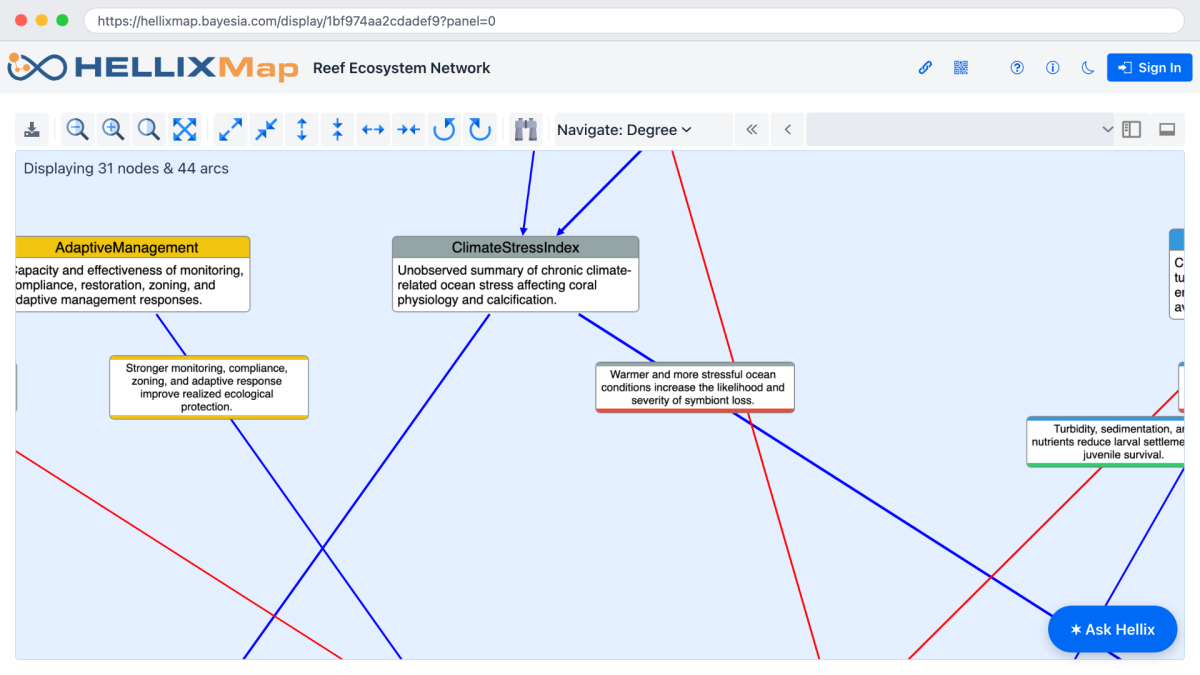
Alternatively, you can open this Bayesian network for further study on HellixMap.
Related Functions
- Automatic Propositional Causal Bayesian Network Generator
- Conversational Network Modeler
- Causal Relationship Finder