
Edit a Predefined Class
Context
Editing a Predefined Class only refers to editing the membership of nodes in any of the Predefined Classes. However, the existing Predefined Classes cannot be deleted.
Usage & workflow animation
The workflow below illustrates how to assign and to the Predefined Class .
- Open the Class Editor. If is already listed, select it and click Edit. If you are adding its first members, click Add a Predefined Class and choose from the list.
- Select each node under Available Nodes and click the right arrow. Check Nodes Associated with the Class before confirming. In this network, represents Blood Pressure and represents Fasting Blood Sugar.
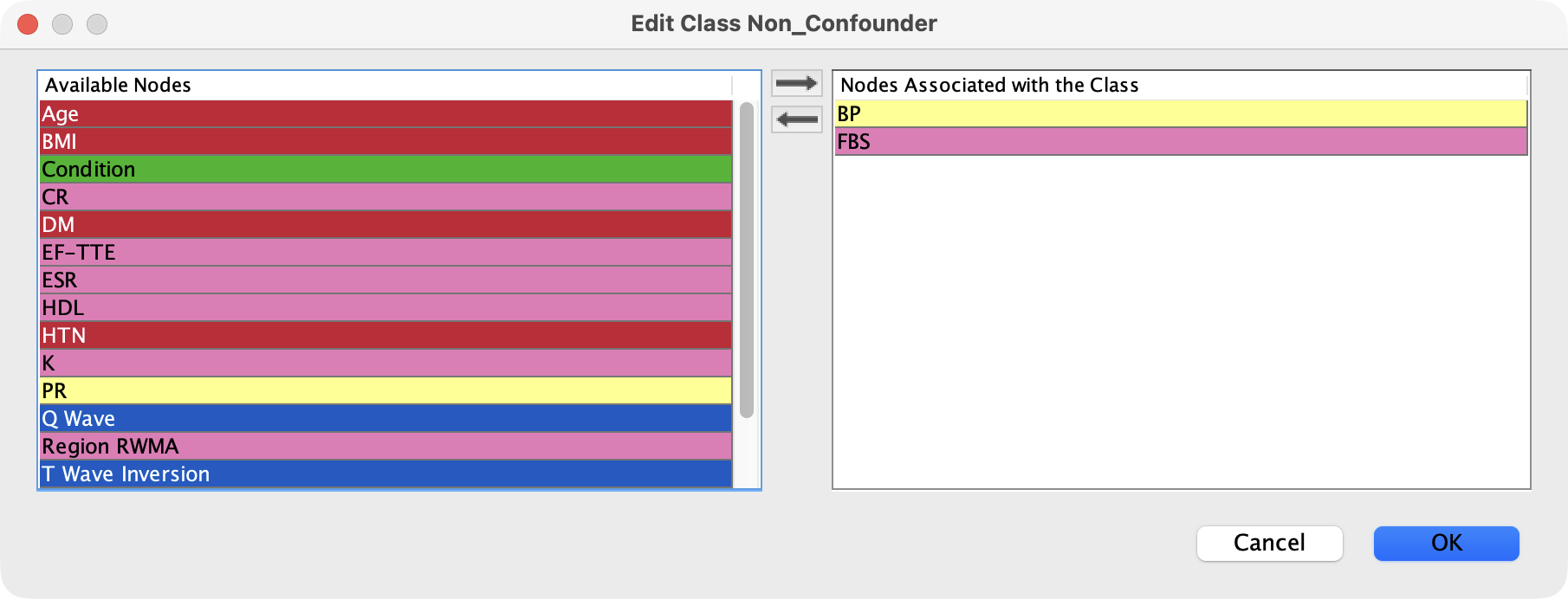
- Click OK to return to the Class Editor, then click OK again to apply the memberships.