
Network Comments
Context
- Network Comments provides space for notes, descriptions, and references regarding a Bayesian network.
- In the Network Comments field, you can enter and edit paragraph-style text.
Usage
-
You can access the Network Comments Editor in two ways:
Main Menu > Network > Properties > Comments.Graph Panel Context Menu > Properties > Comments.
-
A new window opens featuring the Network Comments Editor.
-
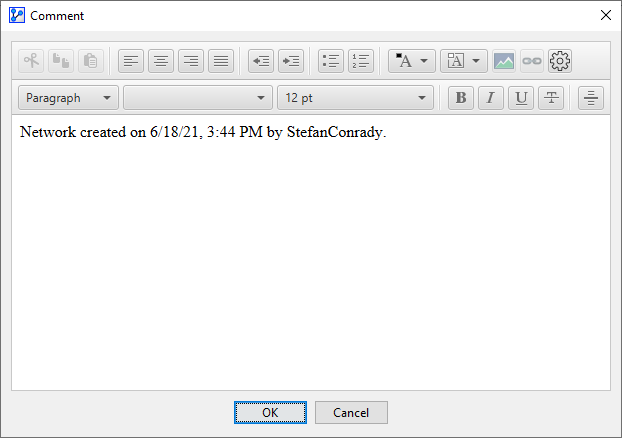
By default, the Network Comments field contains the date and time the file was created plus the user that created the file.
-
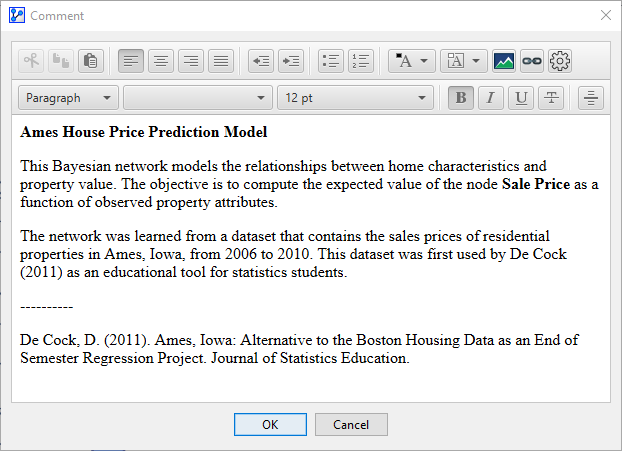
Alternatively, the Network Comments field displays any custom text that you may have defined, such as a description of the problem domain.
-
Using the toolbar, you can apply HTML-style formatting to your text, including links and images.
-
Note that Network Comments are automatically saved with the network file.
-
If you share your network file with others, the information contained in Network Comments will be accessible to them.