
Selection Mode (9.0)
Context
Toolbar |
As of version 9.0, there are now 3 selection modes that can be selected in the toolbar:
- Rectangle: the default mode that selects all the objects that are fully included in the rectangle defined with the mouse,
- Circle: a new mode that allows defining the selection zone with a circle
- Lasso: a new mode that allows you to freely draw the selection zone.
Example
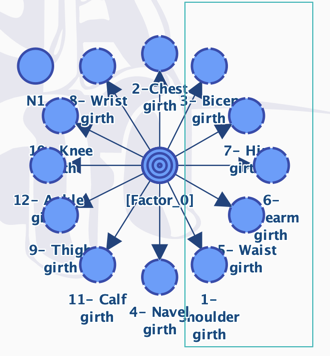
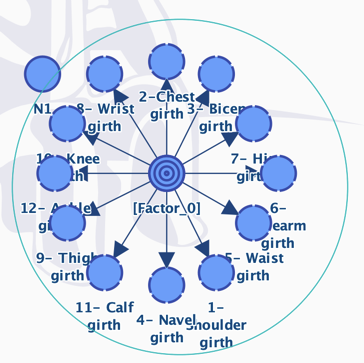
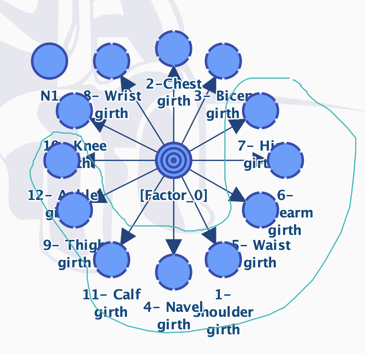
The selected mode is saved as the new default mode for all new graphs and sessions.