Class Filter
Class Filter
Right-clicking on the Classes icon in the Status Bar brings up the list of all Classes, from which you can select which Classes to display in the Graph Window. Additionally, there is a combo-box menu at the bottom of the list, which allows you to define a “filter” for displaying sets of Classes, a so-called Class Filter.
Example
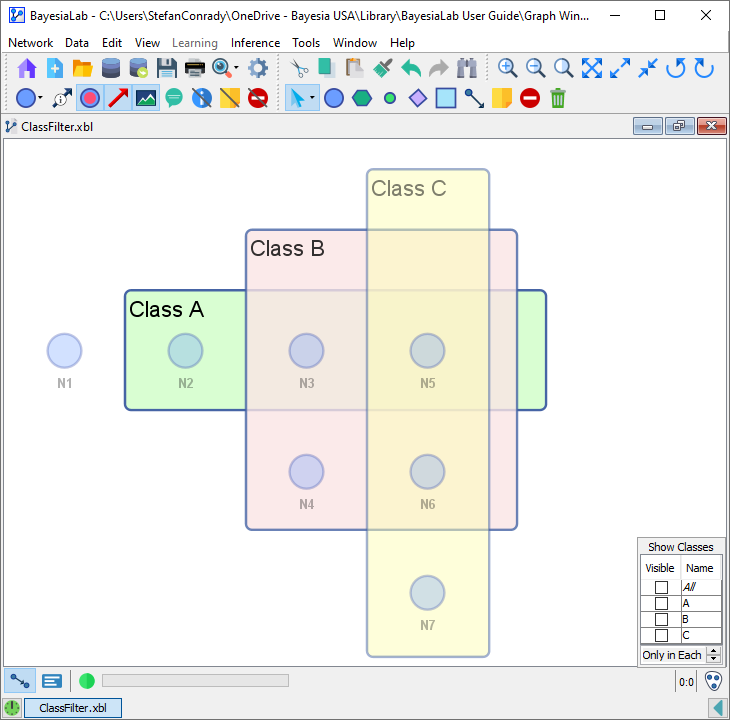
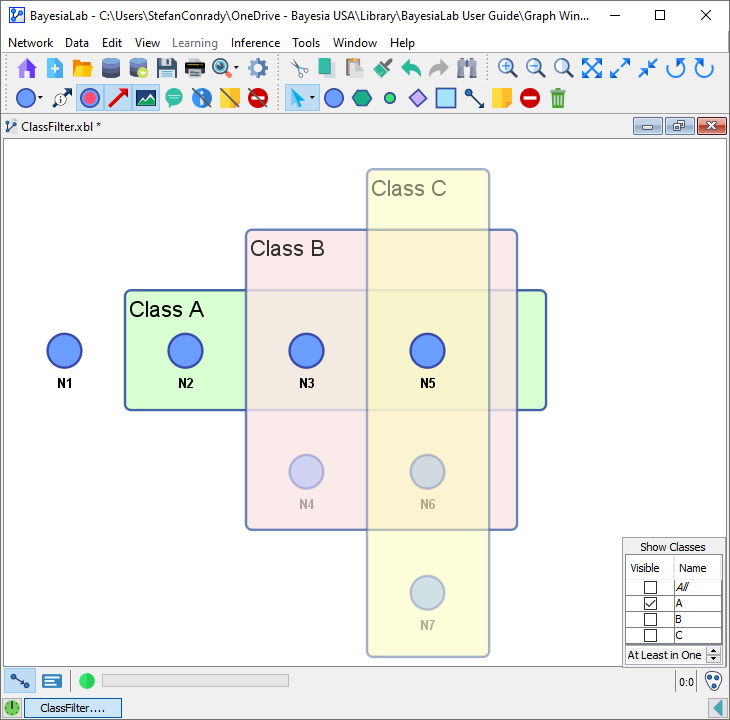
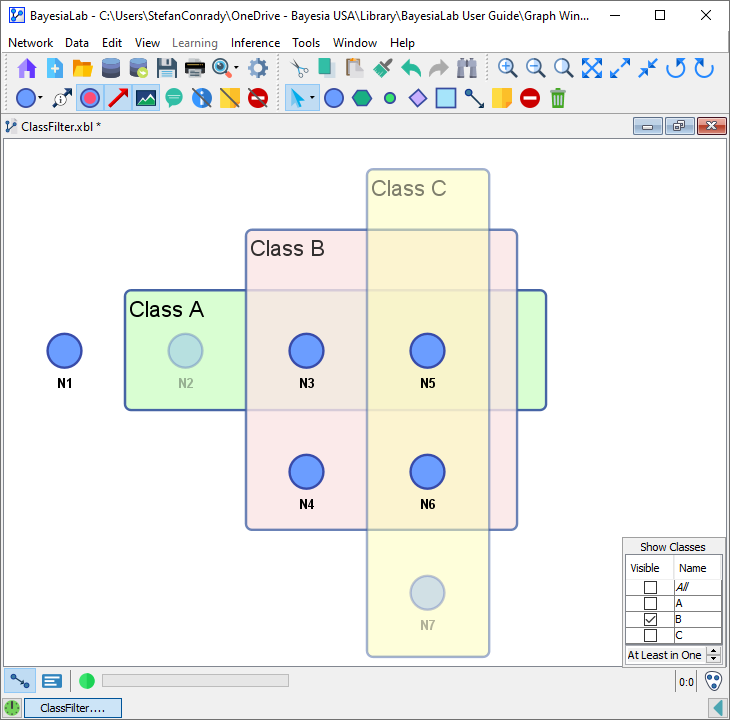
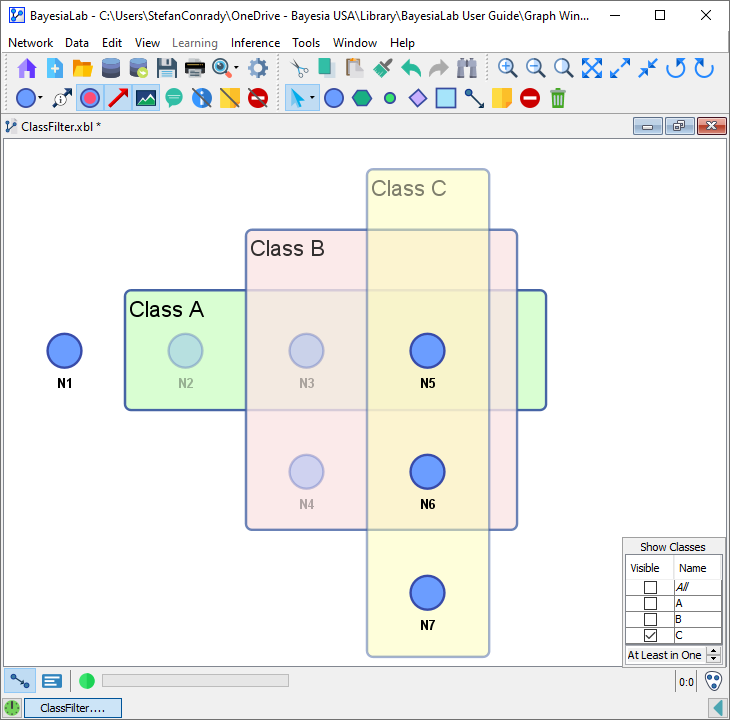
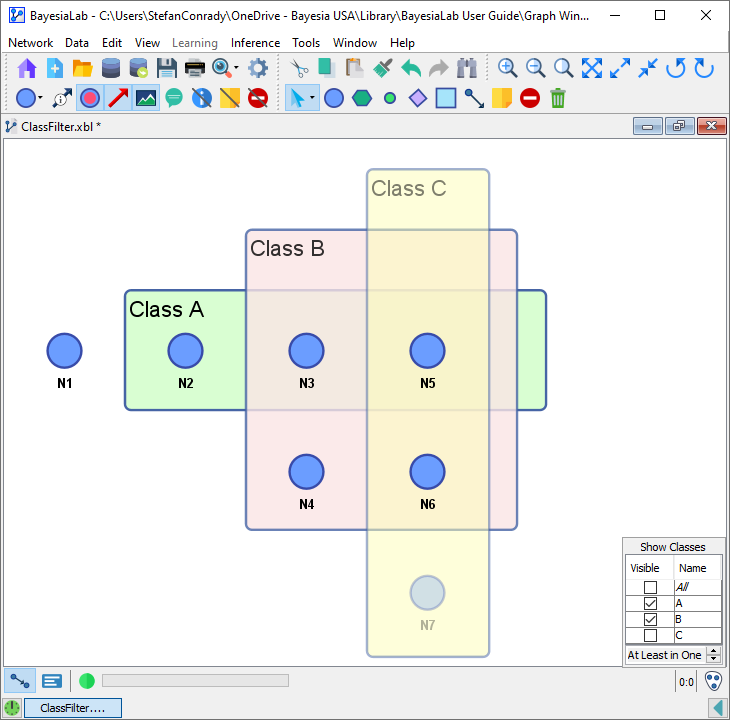
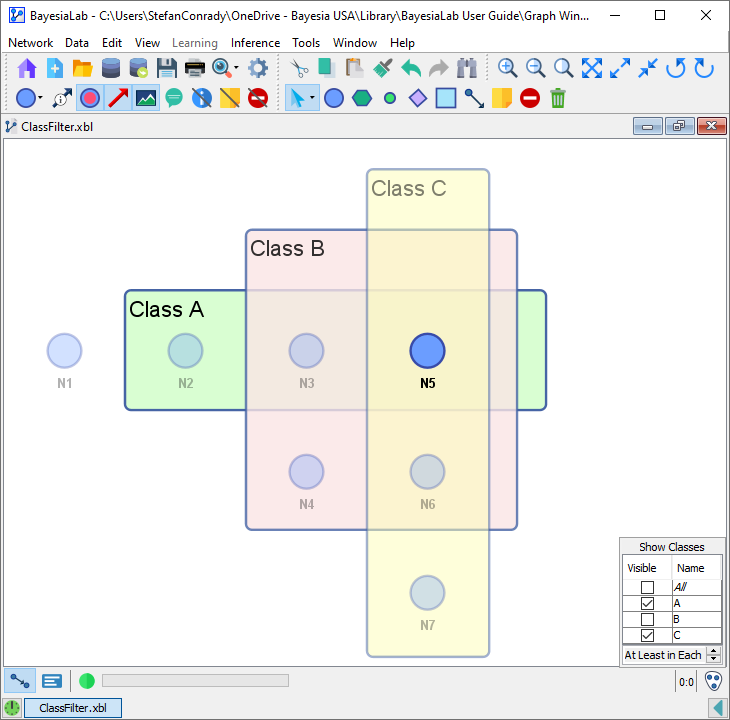
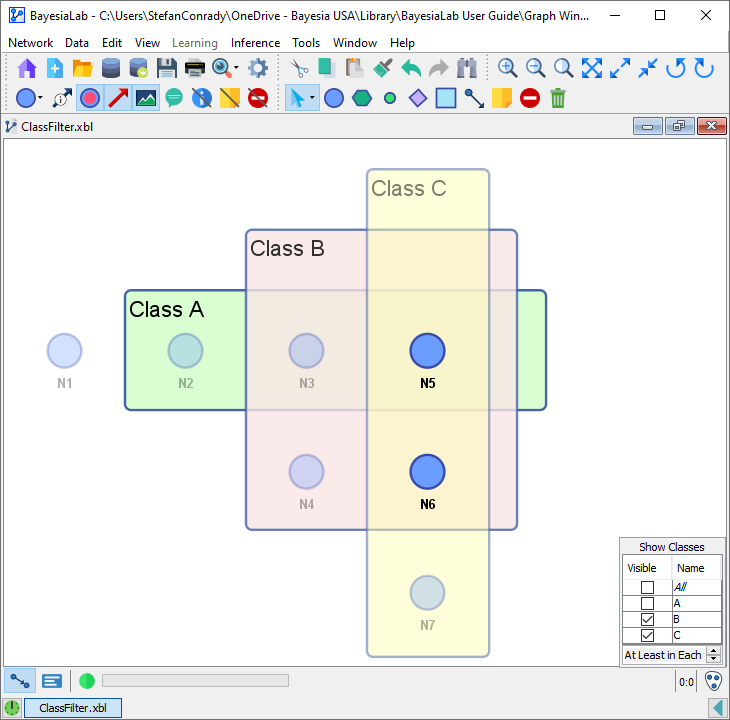
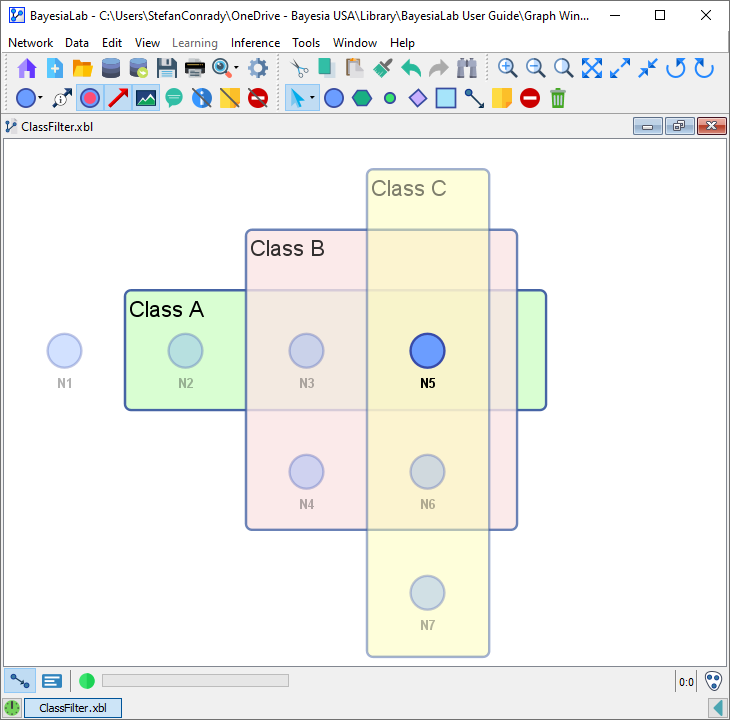
To help understand the function of the Class Filter, we illustrate it with the following example network. Classes A, B, and C are highlighted in color using BayesiaLab’s Notes functionality.
Defining a Class Filter
To explain the functionality of the Class Filter, we furthermore employ set operators and logical operators:
In this network, the nodes are assigned to Classes as follows:
-
Let U be the universal set
-
∅=
{}, the empty set, containing no classes -
-
-
-
The complements of the sets A, B, and C are denoted:
-
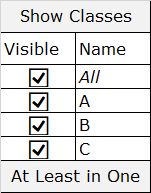
Let S be the set of Classes selected (checked) in the menu:
-
The complement of the set S is denoted
-
refers to nodes belonging to the selected Classes.
-
means the union of selected Classes.
-
means the intersection of selected Classes.
To define a Class Filter, you need to select the Classes and furthermore specify what Set Operation to apply to them:
- OR/Union of selected Classes means that a node is a member of any (“at least in one”) of the checked Classes.
- The nodes will be visible if
- AND/Intersection of checked Classes means that a node is a member of all of the checked Classes (“at least in each”).
- The nodes will be visible if
- STRICT AND/Intersection means that a node is only a member of the intersection of checked Classes (“only in each”), but not a member of any of the unchecked Classes.
- The nodes will be visible if
By default, the OR/Union operation (“at least in one”) is selected in the menu.
By default, the OR/Union operation (“at least in one”) is selected in the menu.
OR/Union (“At Least in One”)
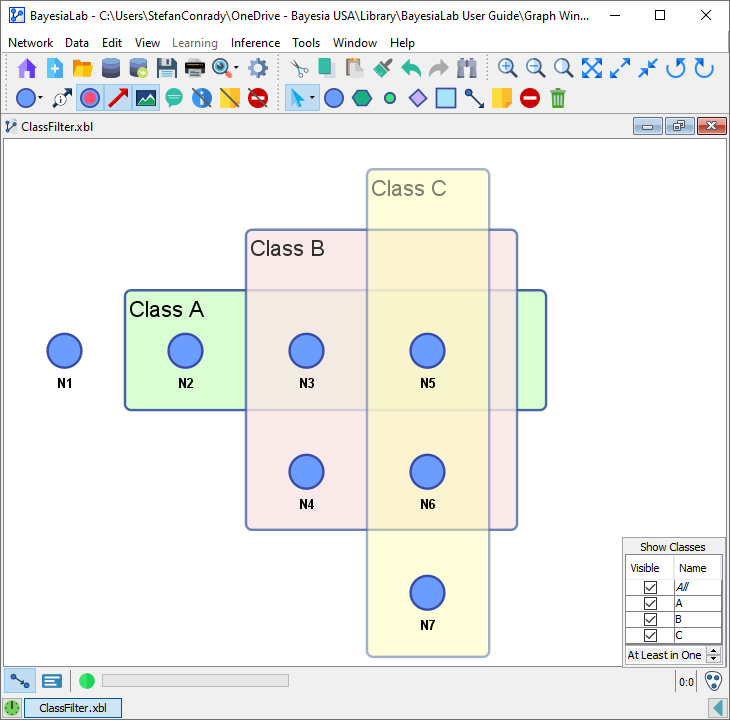
Selection: All
Visible Nodes:
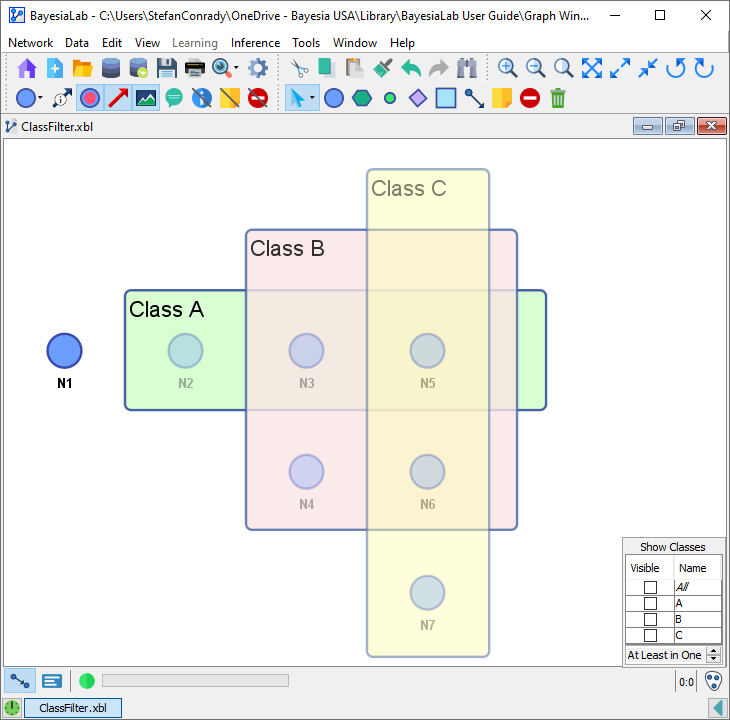
Selection: None
Visible Node:
Selection: A
Visible Nodes:
Selection: B
Visible Nodes:
Selection: C
Visible Nodes:
Selection: A, B
Visible Nodes:
Selection: A, C
Visible Nodes:
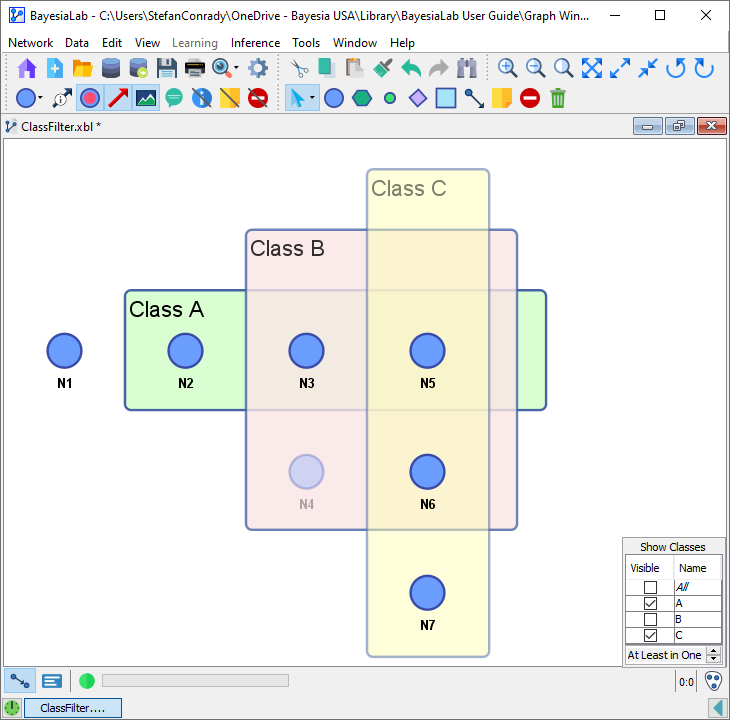
Selection: B, C
Visible Nodes:
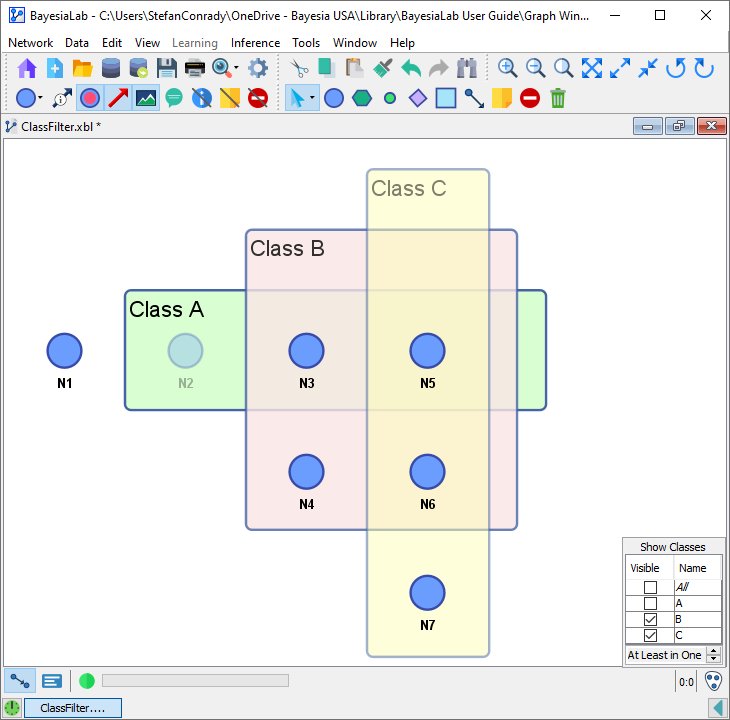
AND/Intersection (“At Least in Each”)
Selection: All
Visible Node:
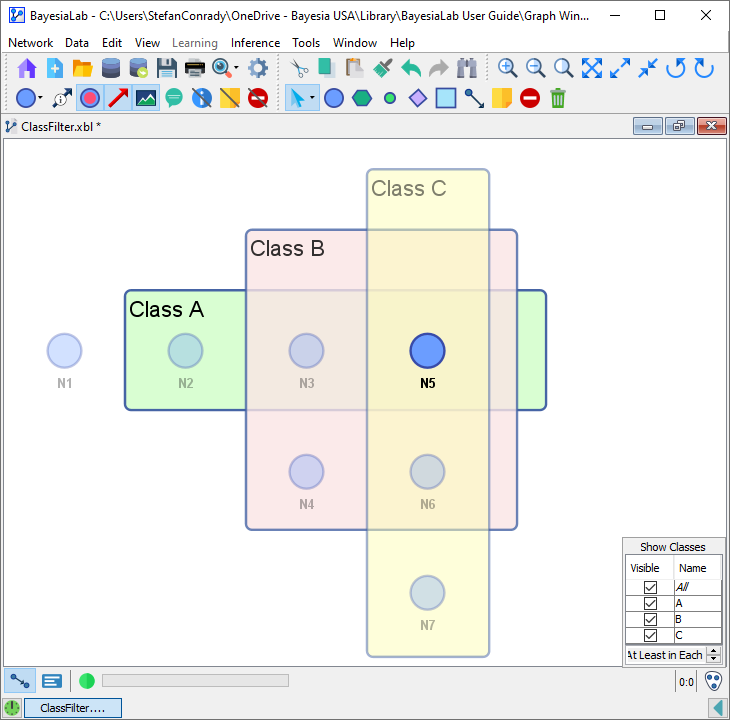
Selection: None
Visible Nodes:
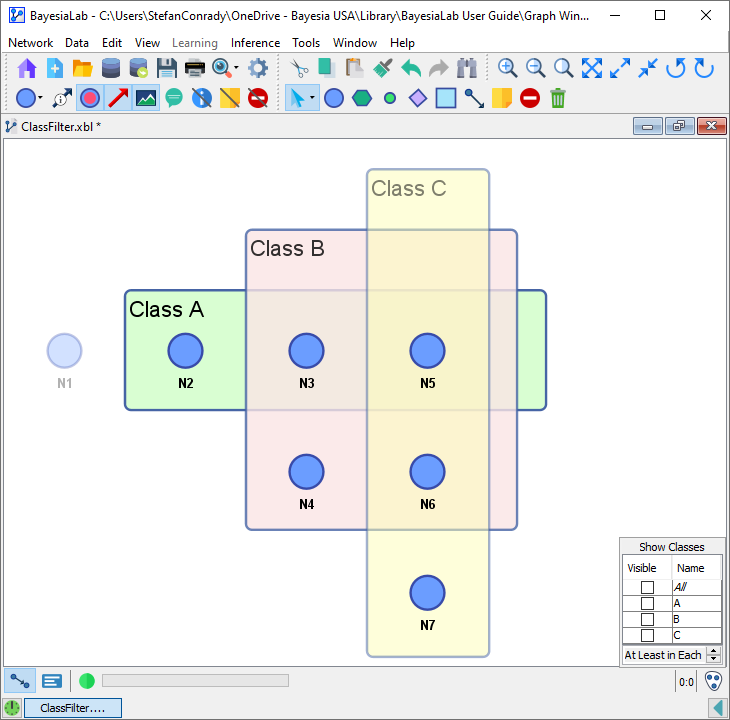
Selection: A
Visible Nodes:
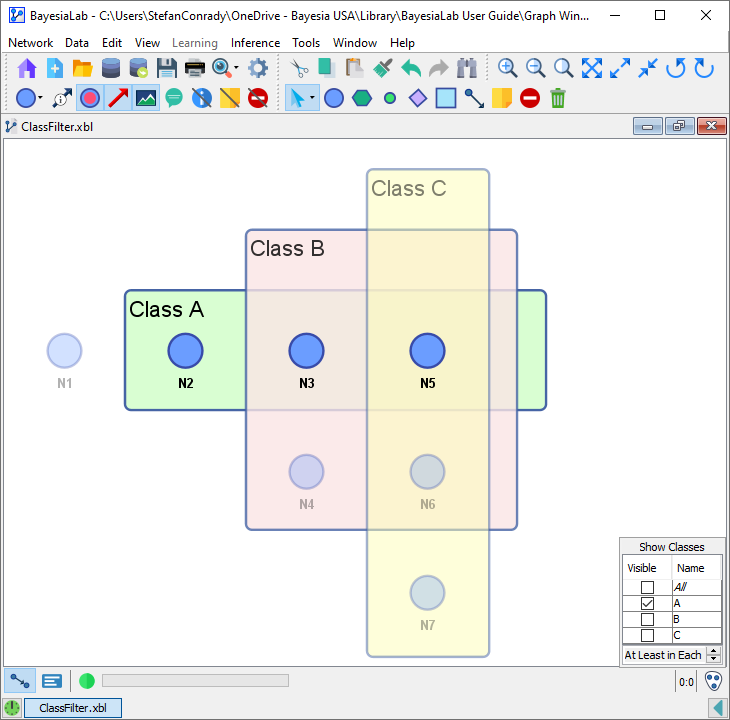
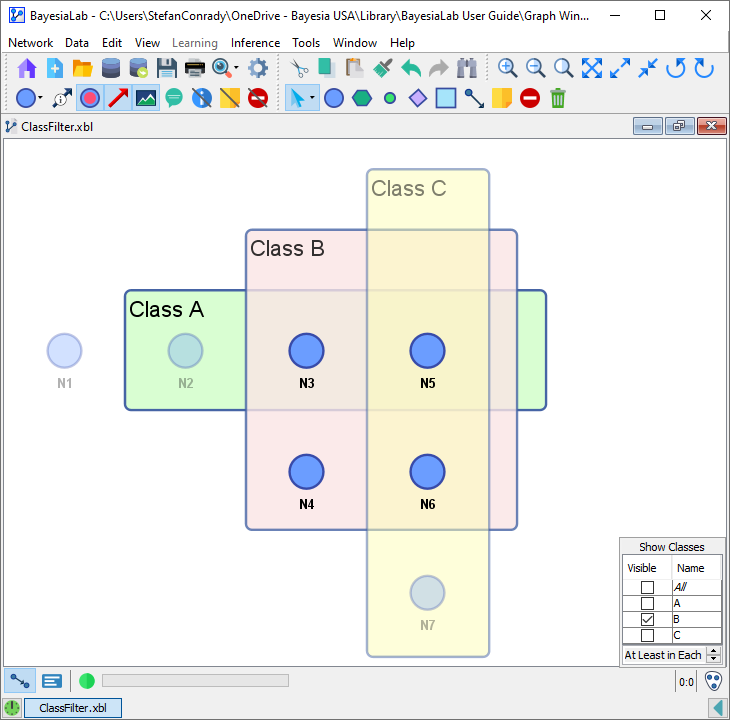
Selection: B
Visible Nodes:
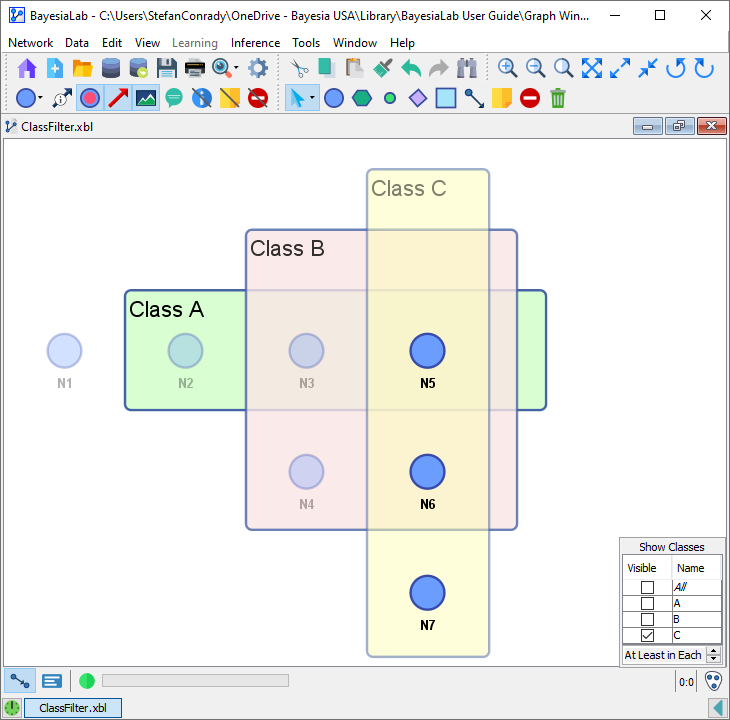
Selection: C
Visible Nodes:
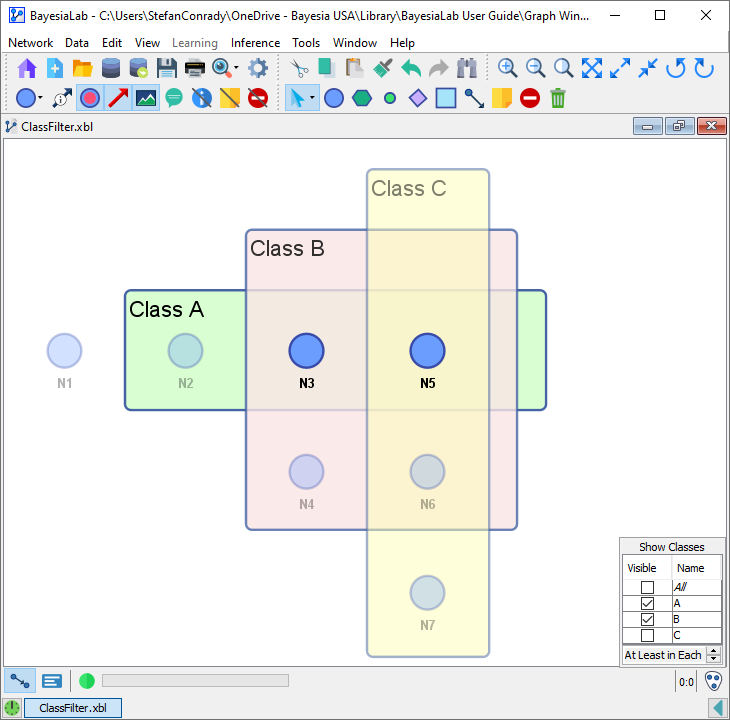
Selection: A, B
Visible Nodes:
Selection: A, C
Visible Nodes:
Selection: B, C
Visible Nodes:
STRICT AND/Intersection (“Only in Each”)
Selection: All
Visible Node:
Selection: None
Visible Node: ∅