
Preferences (9.0)
Context
Toolbar
Window | Preferences
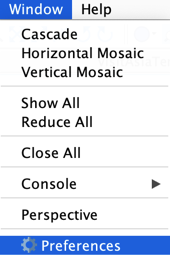
The Preferences allow you to personalize most of the BayesiaLab features' options**.**
Updated Feature: Display | Network
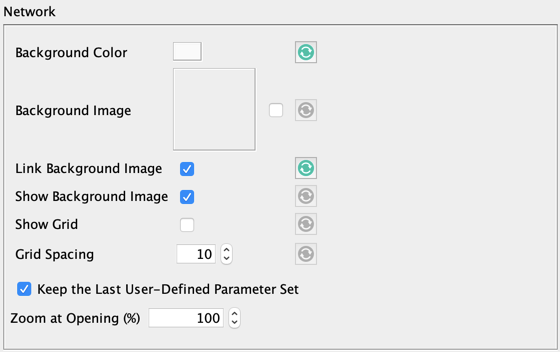
All Network Rendering Properties can now be specified.
Checking Keep the Last User-Defined Parameter Set allows you to use, for each new network, the last properties you have defined via the Rendering Editor.
Updated Feature: Display | Node | Renderer (Disc)
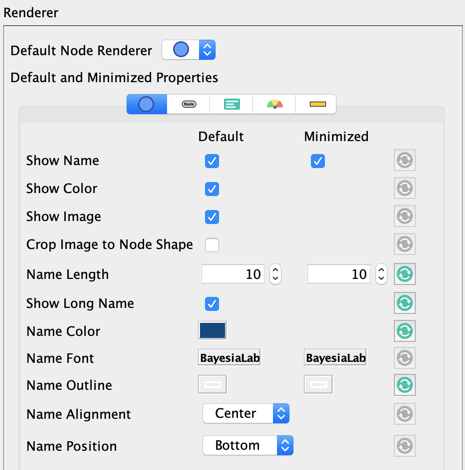
As of version 9.0, you can define your preferences on all Node Rendering Properties.
Updated Feature: Display | Monitor Panel
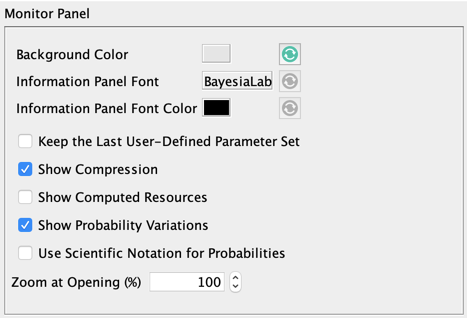
You can now define your preferences on all Monitor Panel Properties. (opens in a new tab)
Checking Keep the Last User-Defined Parameter Set allows you to use, for each new network, the last properties you have defined via the Rendering Editor (opens in a new tab).
Updated Feature: Display | Console
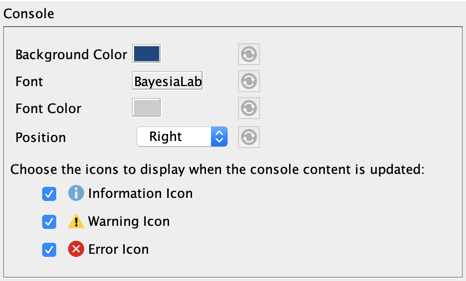
As of version 9.0, you can define your preferences on all Console Rendering Properties (opens in a new tab).
Updated Feature: Analysis | Mapping | Color
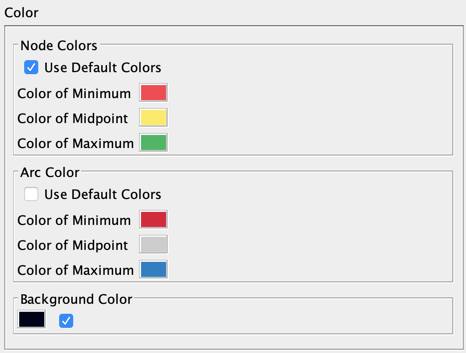
You can now set your preferences on all colors (nodes, arcs, and background) of the Mapping tools. Note that these properties are the same for the 2D and 3D Mapping.
New Feature: Analysis | Mapping | 3D Font
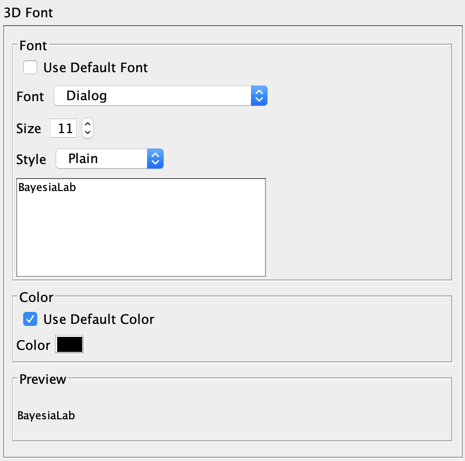
As of version 9.0, the font for the 2D and 3D Mapping is no longer shared. This new feature allows you to set your preferences on the font used in the 3D Mapping.
New Feature: Analysis | Mapping | Texture
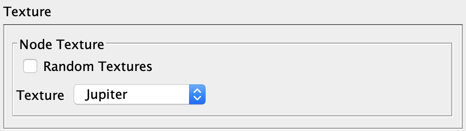
This new feature allows you to set your preferences on the new texture of the 3D nodes.