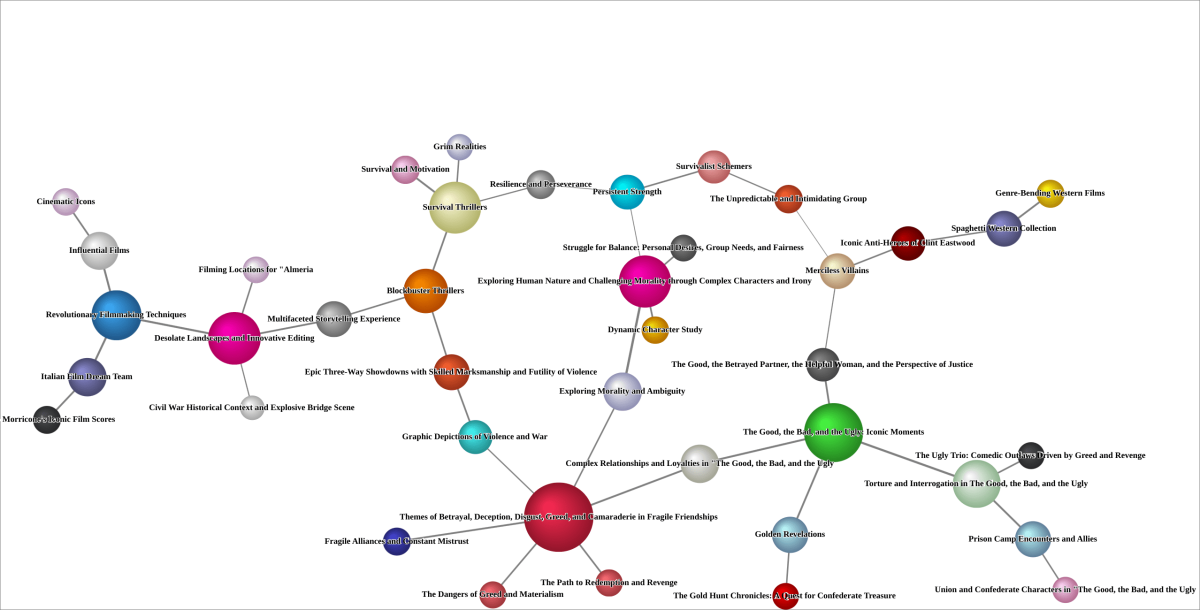
The Good, the Bad and the Ugly (1966)

This example uses Hellixia to analyze Sergio Leone’s The Good, the Bad and the Ugly. The workflow elicits concepts related to characters, plot events, settings, themes, and moral contrasts, then creates a semantic network for review in BayesiaLab.
Workflow for Creating the Semantic Network
Create the node .
Use the Dimension Elicitor, employing a broad array of keywords like “Achievements”, “Characteristics”, “Components”, “Milestones”, and many more, to conduct an exhaustive analysis of the book. Set the General Context to “Sergio Leone Movie”.
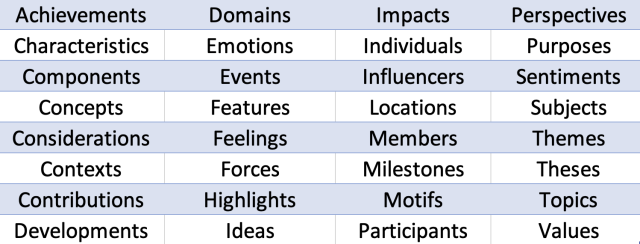
Inspect the dimensions returned by Hellixia and eliminate any that seem superfluous or unrelated to the analysis. Next, disregard the node and run the Embedding Generator on all remaining nodes to apprehend the semantic associations of their names and comments.
Use the Maximum Weight Spanning Tree algorithm to generate a semantic network.
Change node styles to Badges to ensure each node’s comment is visible. Then, apply the Dynamic Grid Layout to position the nodes on the graph; this algorithm is not deterministic, and its orientation (vertical, horizontal, or mixed) is random. You might need to execute this layout several times to obtain an arrangement that aligns with the intended presentation.
Switch over to Validation Mode F5 and select Skeleton View. Since the network does not represent causal relations, Skeleton View will maintain only node connections without indicating a direction.
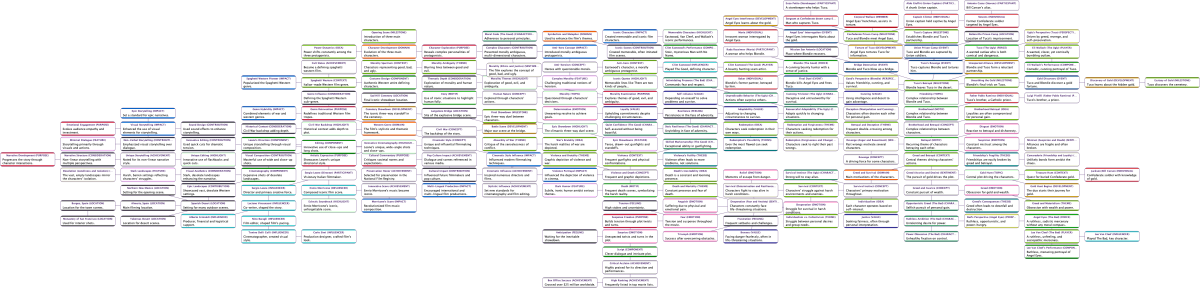
Workflow for the Node Force analysis
Return to Modeling Mode F4 and alter the node styles to Discs.
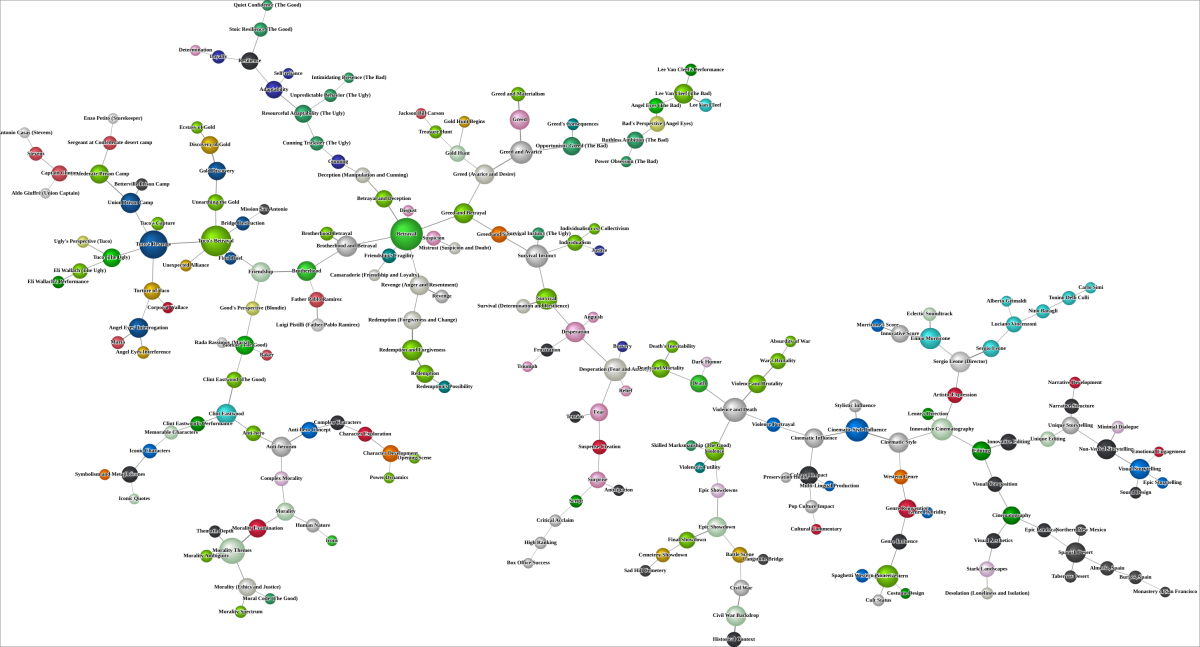
Use the Symmetric Layout and switch to Validation Mode F5 to run a Node Force analysis.
Workflow for creating the Hierarchical Semantic Network
This operation will categorize analogous variables based on their semantic relationships.
Open the Class Editor and run Class Description Generator to generate descriptive names for the factors in question. Use the Export Descriptions function, and save the newly created descriptions.
Return to Modeling Mode F4 and run Multiple Clustering to generate latent variables.
Run the structural learning algorithm Taboo. Ensure the Delete Unfixed Arcs option is enabled.
Use the descriptions you exported earlier as a Dictionary to rename the latent variables you’ve created.
Switch to Validation and run Node Force.
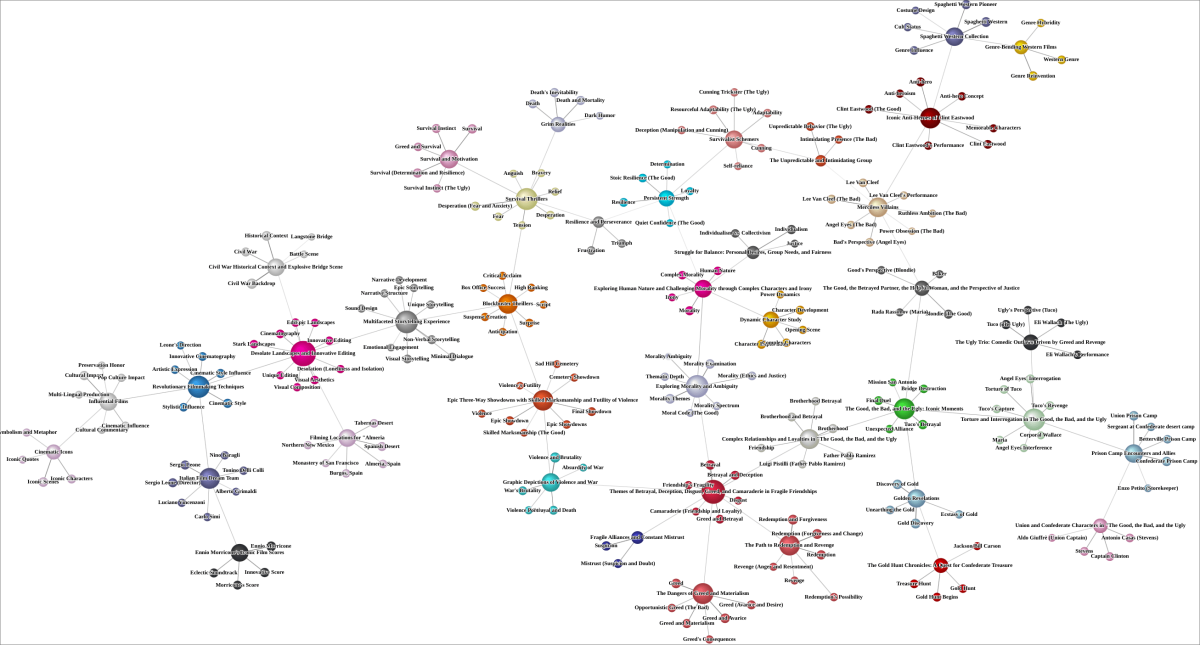
Given the size of this network, focus on the upper level of the hierarchical network. Below is the Node Force analysis on these factors only, i.e., excluding all manifest variables before the analysis.