
Step 4 — Discretization and Aggregation
Context
- Step 4 — Discretization and Aggregation requires you to make several more important choices before concluding the import process.
- Unlike the previous steps, which each consisted of a single screen, Step 4 provides one screen per variable type across six screens.
Overview of Screens
- As you go from Step 3 to Step 4, the variable that you last selected in Step 3 remains highlighted.
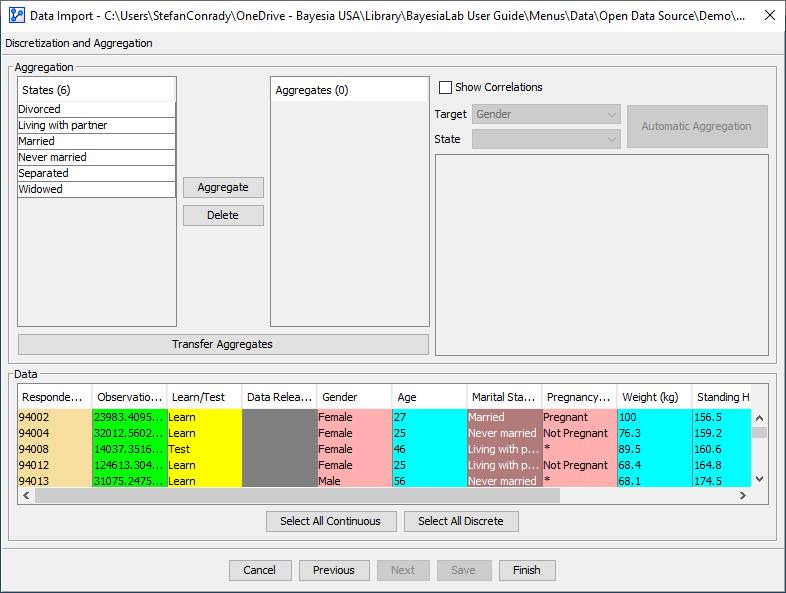
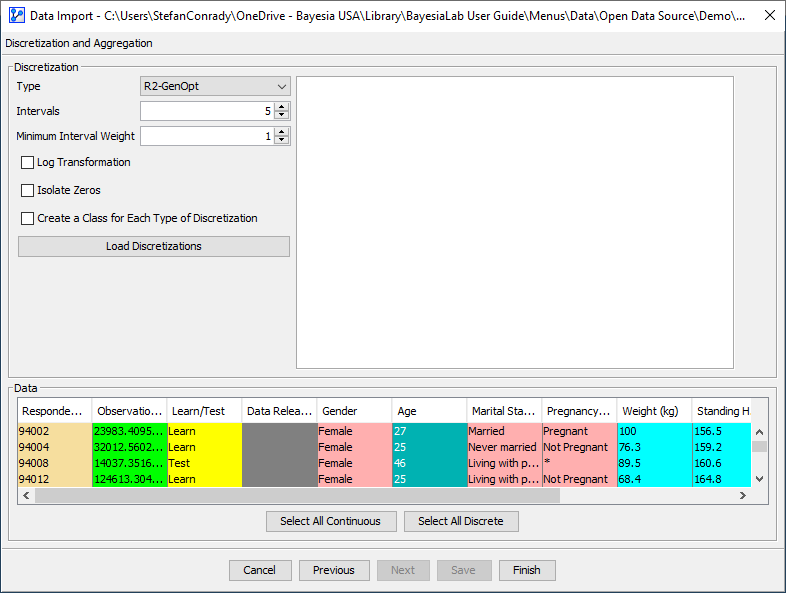
- Depending on the variable type, Step 4 starts with one of six possible screens, one for each variable type. Click on the thumbnails in the following table for a preview.
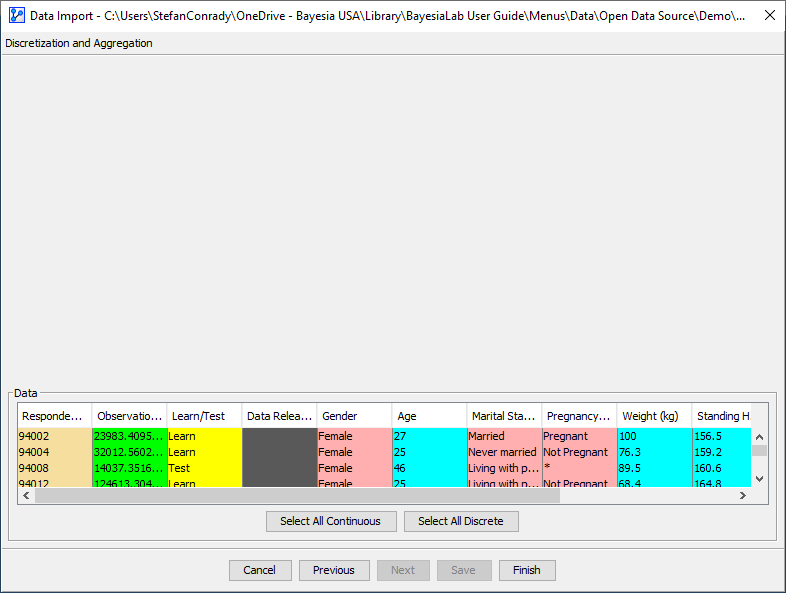
- Note that for Row Identifier and Unused variables, no actions are available. Except for the Data panel, the corresponding screens are blank.
Weight
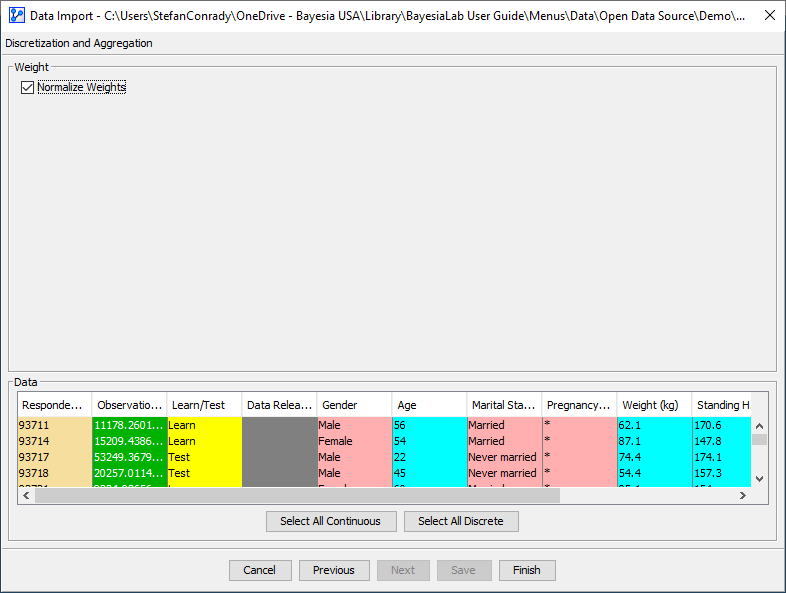
Learn/Test
Row Identifier
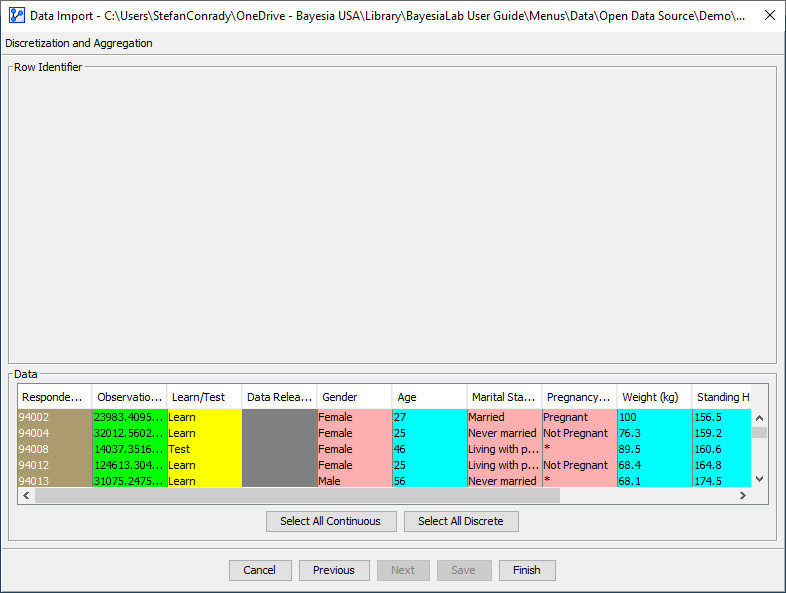
Discrete
Continuous
Unused
For all other variable types, we discuss all available options in detail in separate sections: